


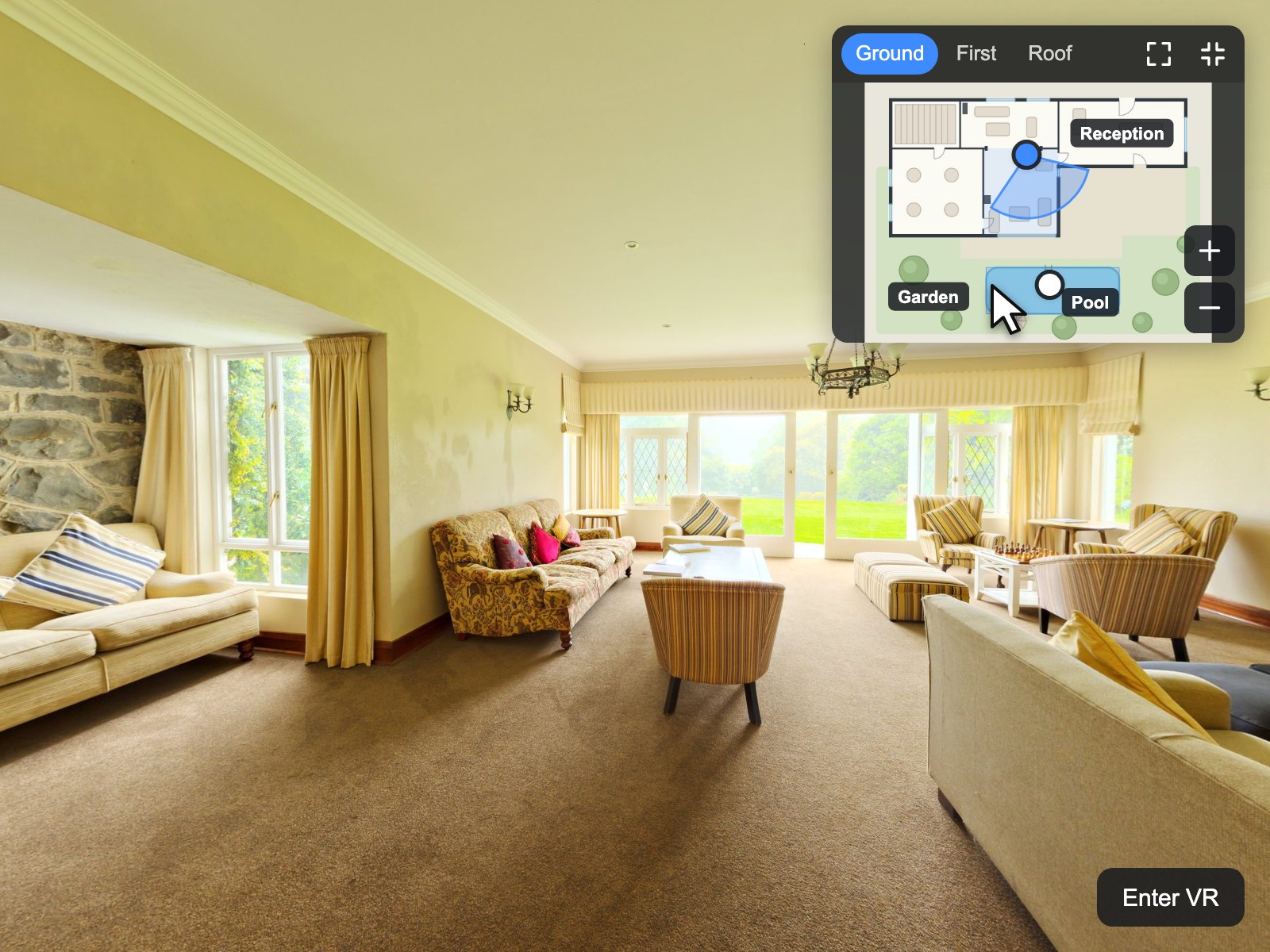
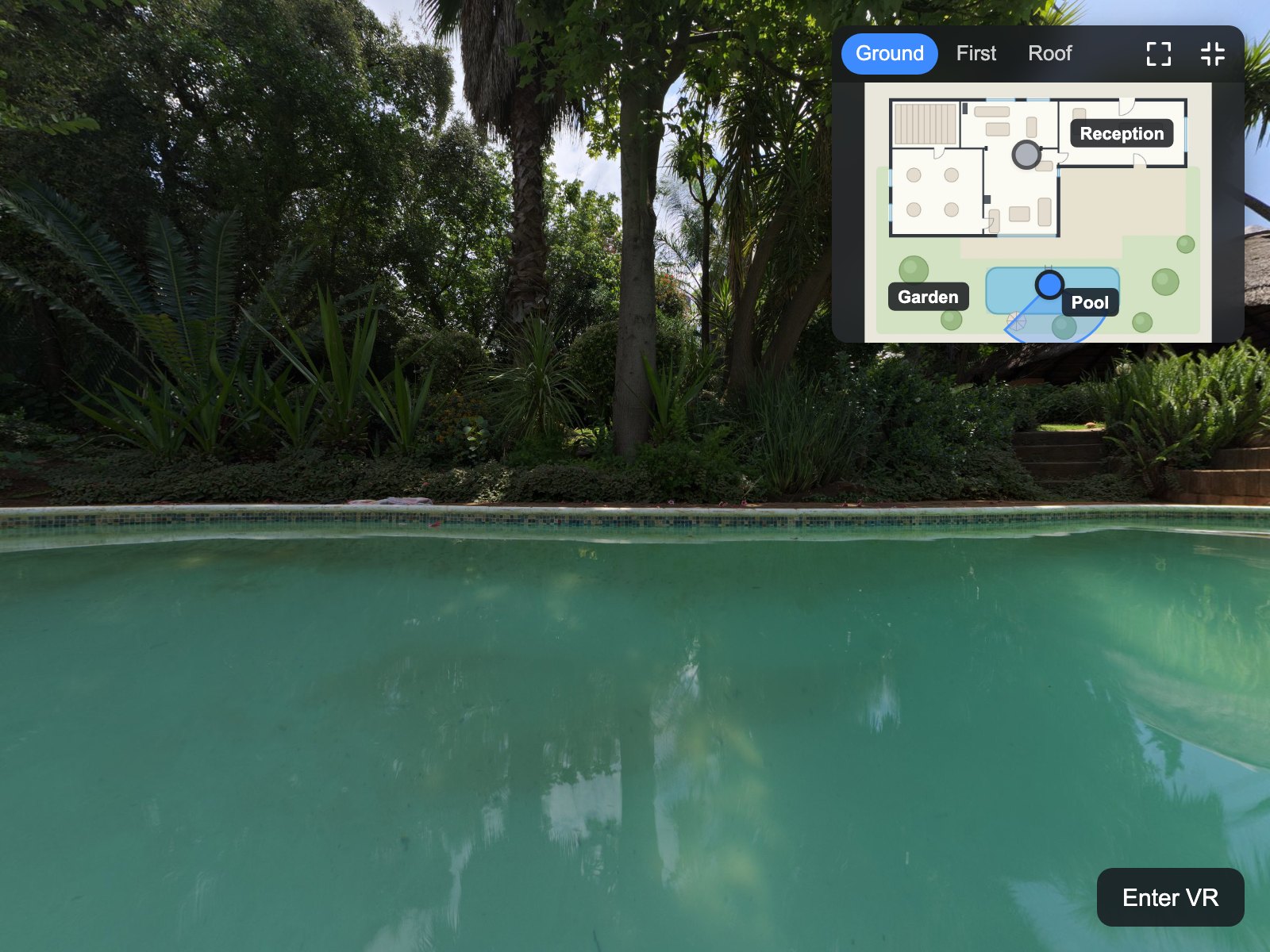
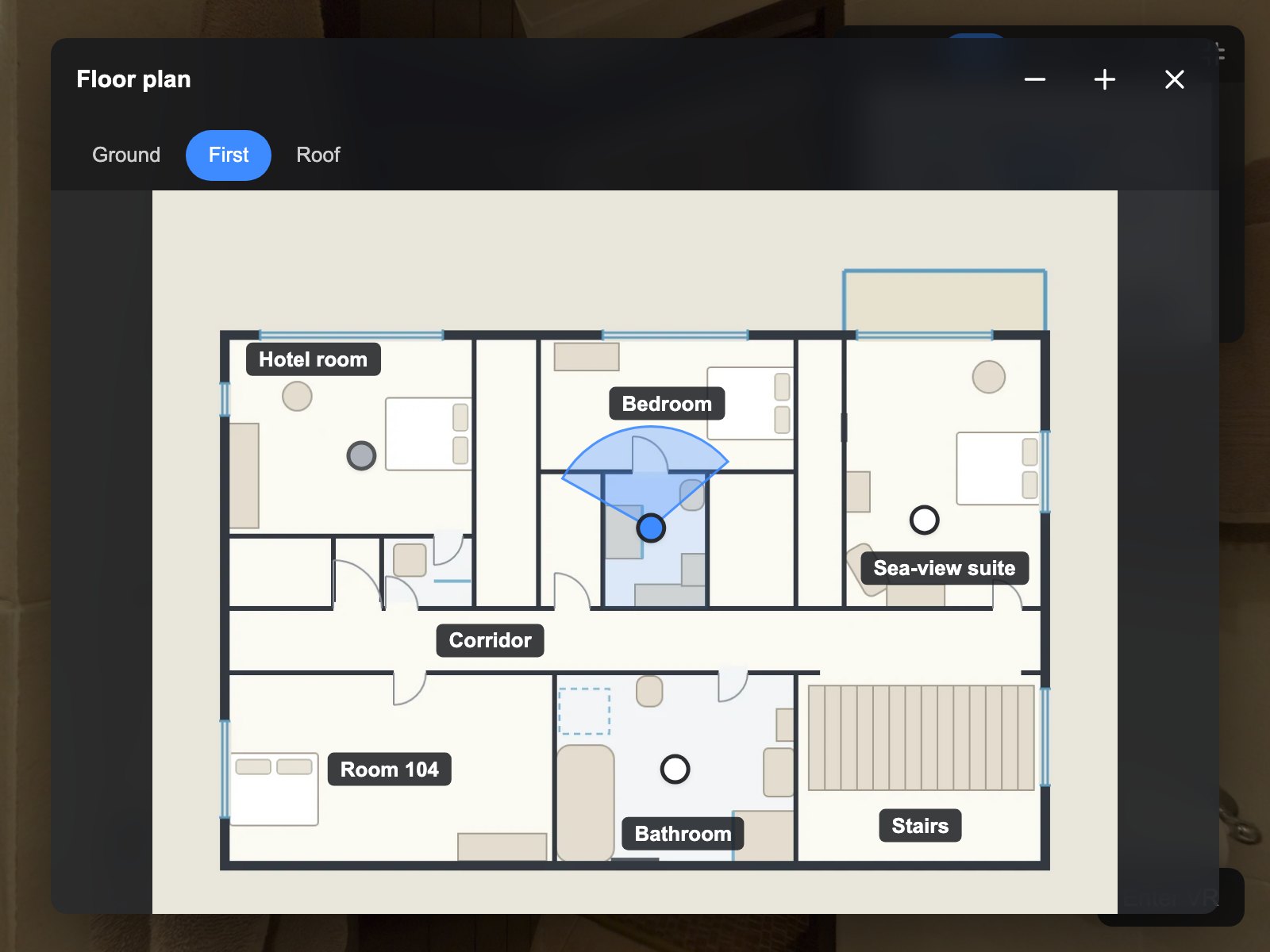
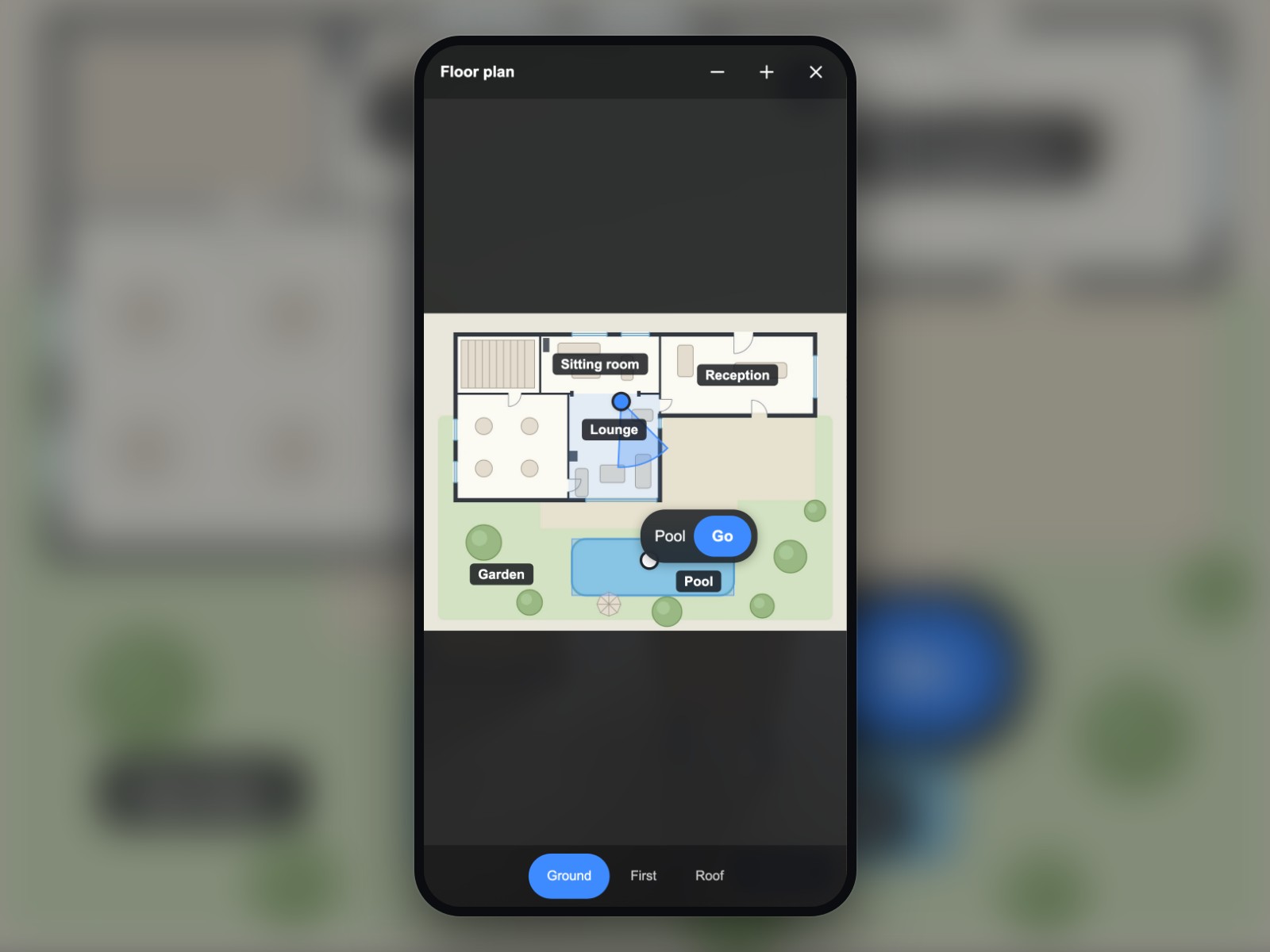
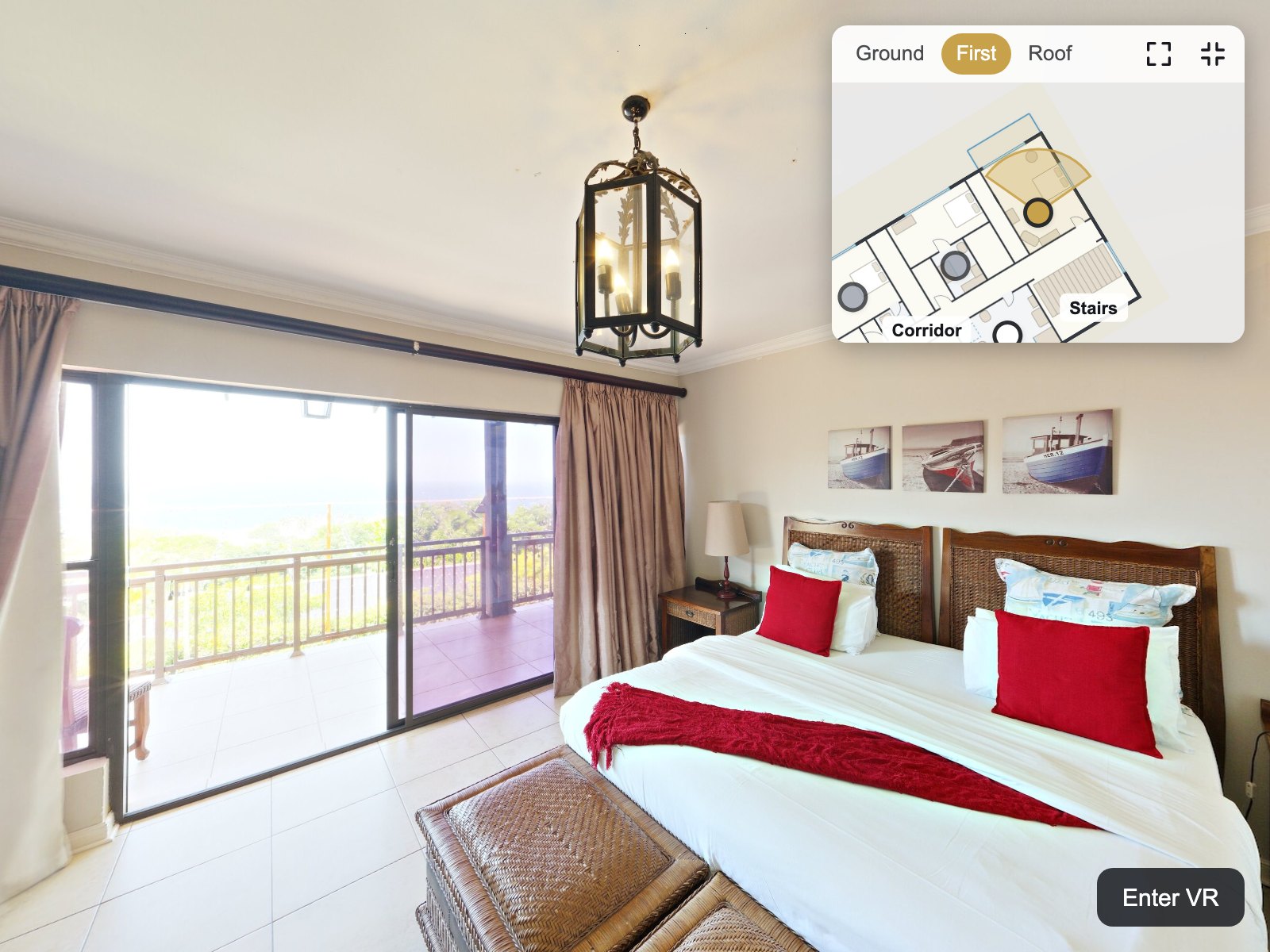
Visitors always know where they are
The active spot, the radar with the real field of view and the highlighted room follow every scene change and every turn of the view.
krpano Plugins
 krpano v1.0.0 New
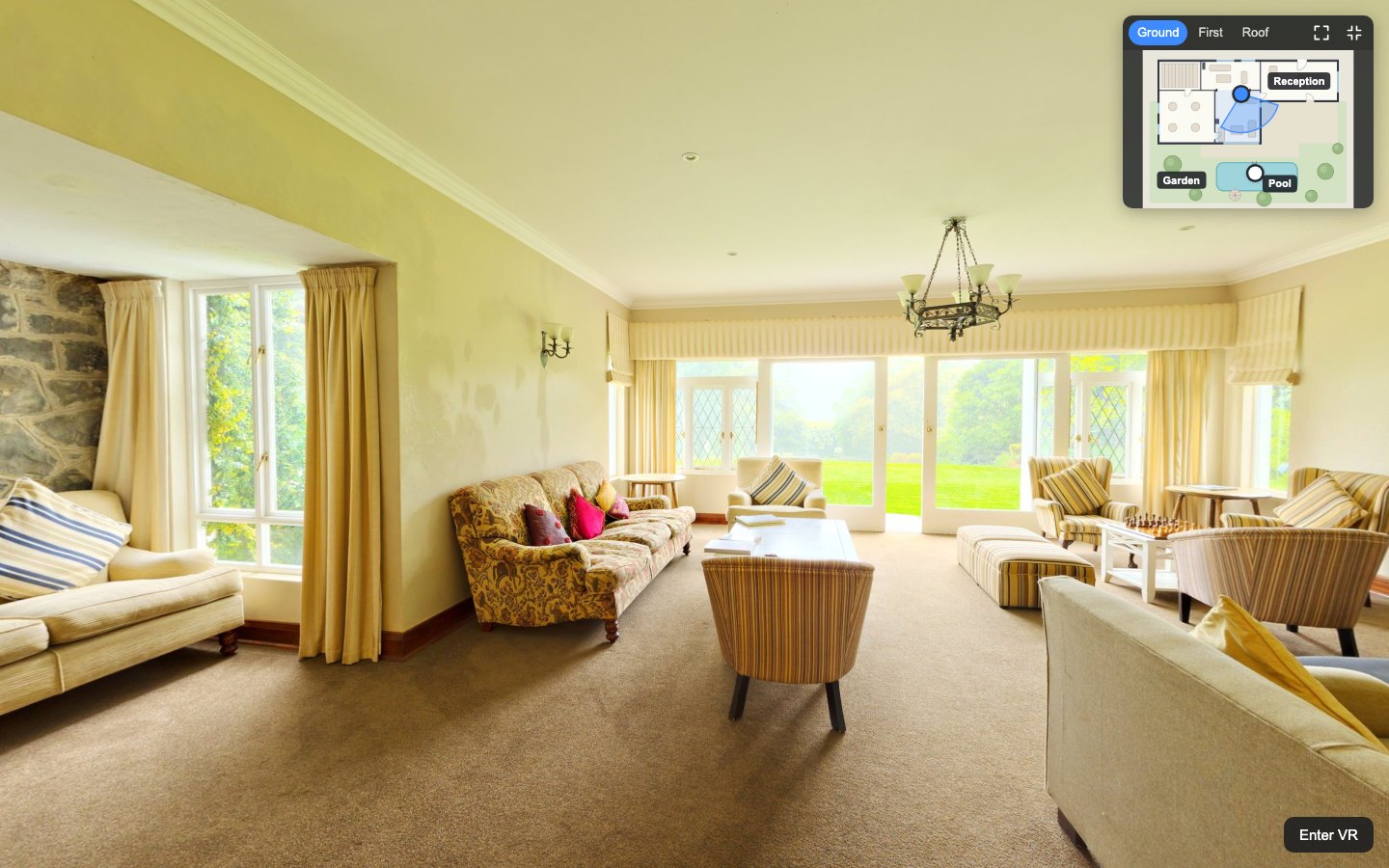
An interactive floor plan for your krpano tour: a radar shows where visitors stand and where they look, on every floor.
Verified for krpano 1.23.2–1.24
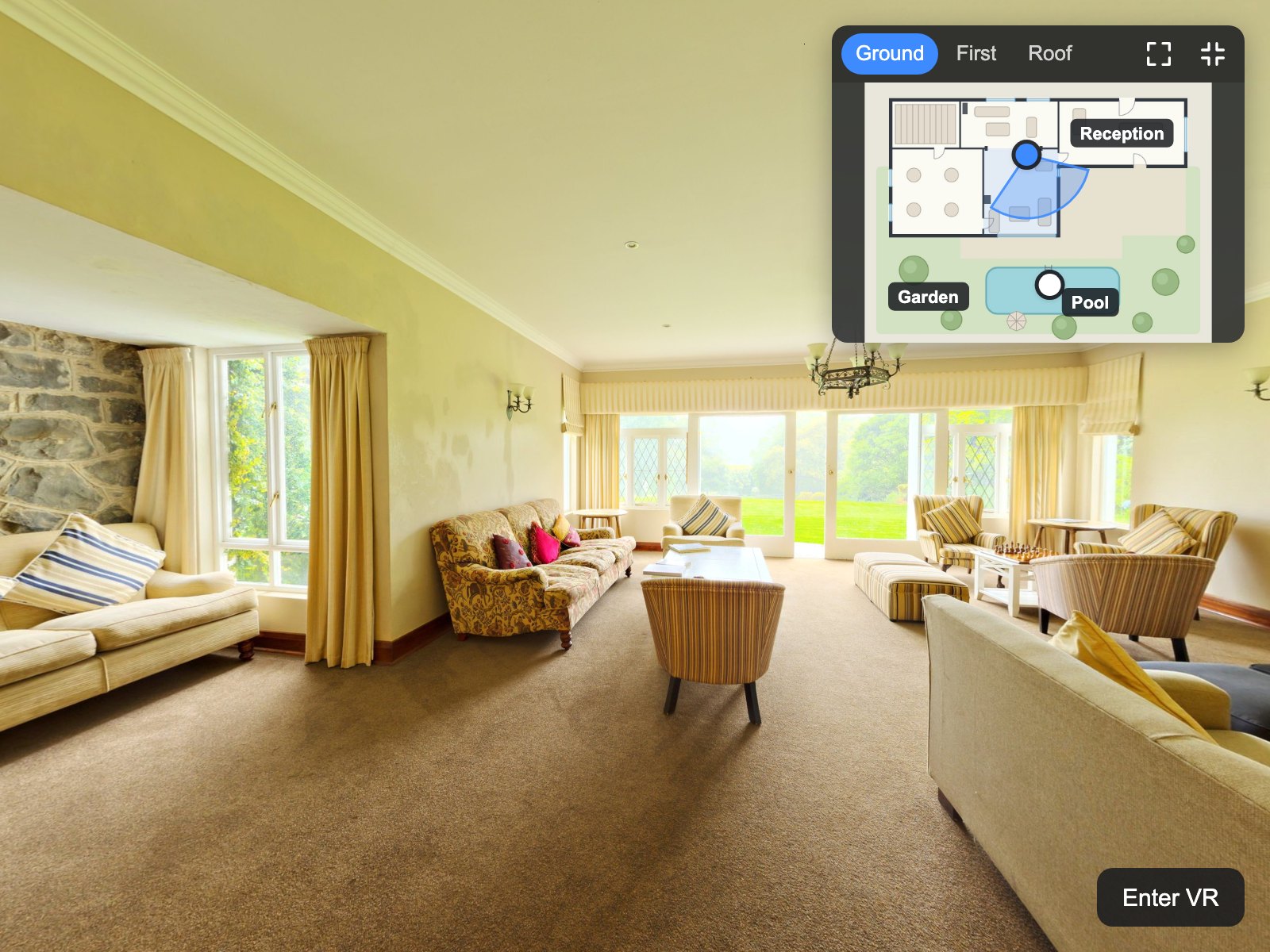
In a tour with more than a handful of scenes, visitors lose their way and miss rooms. Floor Plan shows your own plan image for every floor with a spot for each scene and a radar that turns with the view. Visitors click a spot or a room to walk there, zoom and drag the plan, open it full screen and see which rooms they have already visited. A calibration mode measures each spot's heading for you, and every setting is an attribute of one XML element.
Put the encrypted plugin folder into your tour and add one layer element to your tour XML.
List your floor images, one spot per scene and optional rooms in a small floorplan.xml that survives MAKE VTOUR.
Switch on calibrate="true", click where the camera stands and a door in the view, and copy the printed line into floorplan.xml.
The active spot, the radar with the real field of view and the highlighted room follow every scene change and every turn of the view.
A click on a spot or a room opens that scene; with jump_view="walk" the new view faces the direction the visitor walked.
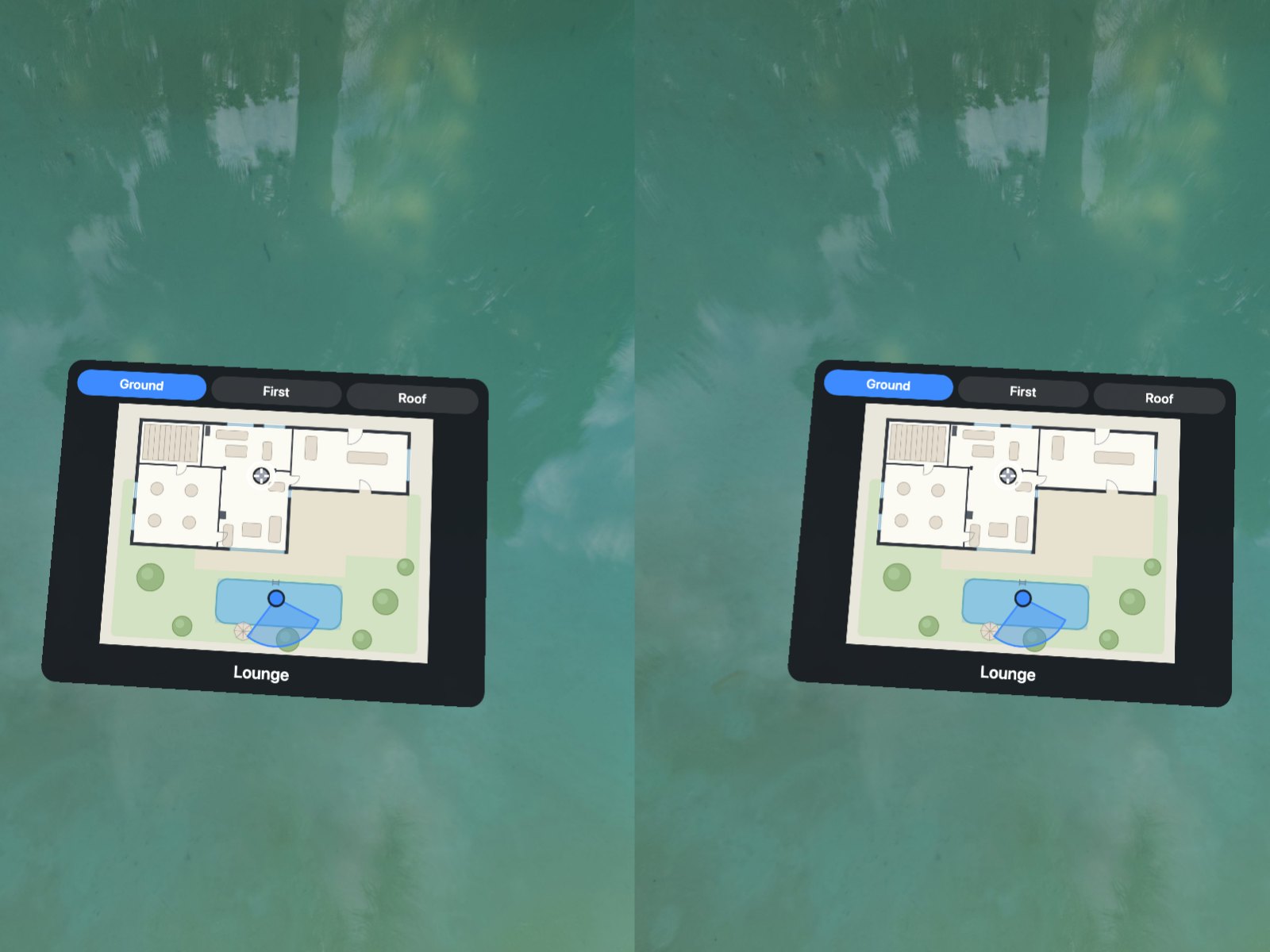
A compact panel on computers, a plan button and a full-screen plan with a Go button on phones, and a mini plan when you look down in VR.
Set as attributes in your tour XML.
| Setting | Type | Default | Description |
|---|---|---|---|
active | Yes / No | true | Switches the floor plan on or off at runtime (default true). |
slot | List | top-right | Screen corner of the panel and the plan button: top-right (default), top-left, bottom-right or bottom-left. |
offset | Number | 16 | Distance from the edges of that corner in pixels (0–200, default 16). |
panel_width | Number | 260 | Width of the panel on wide screens in pixels (160–480, default 260). |
panel_height | Number | 200 | Height of the panel on wide screens in pixels, header included (120–400, default 200). |
start_state | List | open | On wide screens the tour starts with the open panel (open, default) or with the plan button (collapsed); phones always start with the button. |
orientation | List | plan | plan (default) shows the image as drawn, north turns the plan so that north is up, heading turns it with the view. |
jump_view | List | scene | View after a jump from the plan: the scene's own start view (scene, default) or facing the walking direction (walk). |
blend | Text | BLEND(0.6) | krpano transition of jumps from the plan, for example BLEND(0.6) (default) or NOBLEND. |
zoom_max | Number | 4 | Largest plan zoom as a multiple of the fitted plan (1–10, default 4). |
show_visited | Yes / No | true | Dims the spots of scenes visited during this visit (default true). |
labels | Yes / No | true | Shows room titles on the plan where they fit (default true). |
theme | List | dark | Dark (default) or light colour scheme. |
accent_color | Color | #3D8BFF | Colour of the active spot, the radar, the active floor tab and the focus ring (default #3D8BFF). |
transition | Yes / No | true | Opens, closes and changes the plan with short, smooth transitions; false changes it at once. Visitors who turned on reduced motion never get the motion. |
transition_duration | Number | 280 | Length of the transitions in milliseconds (100–1000, default 280). |
vr | Yes / No | true | Shows a mini plan in VR when the visitor looks down (default true); false only hides the plan in VR. |
vr_pitch | Number | 50 | Degrees below the horizon at which the VR mini plan appears (30–80, default 50). |
calibrate | Yes / No | false | Creator mode: opens the plan with a bar that measures position and heading and prints the spot line; never leave it on in a published tour (default false). |
debug | Yes / No | false | Prints the number of floors, spots and rooms to the browser console (default false). |
text_title | Text | Floor plan | Name of the plan for the button, the panel and the expanded plan (default “Floor plan”); a <languages> key or literal text. |
text_floors | Text | Floors | Screen reader name of the floor tabs (default “Floors”). |
text_expand | Text | Expand plan | Label of the expand button (default “Expand plan”). |
text_collapse | Text | Collapse | Label of the collapse button (default “Collapse”). |
text_close | Text | Close | Label of the close button of the expanded plan (default “Close”). |
text_go | Text | Go | Button that opens the tapped scene on phones (default “Go”). |
text_zoom_in | Text | Zoom in | Label of the zoom-in button (default “Zoom in”). |
text_zoom_out | Text | Zoom out | Label of the zoom-out button (default “Zoom out”). |
<include url="floorplan.xml" />

<layer name="z360_floor_plan"
       url="plugins/z360_floor_plan/z360_floor_plan.js"
       keep="true"
       jump_view="walk" />

<!-- floorplan.xml -->
<z360_floor_plan_floor name="ground" title="Ground floor" url="plans/ground.webp" />
<z360_floor_plan_spot name="scene_lounge" floor="ground" x="560" y="250" heading="-121" />
<z360_floor_plan_room name="lounge" floor="ground" title="Lounge"
                      points="410,228 670,228 670,530 410,530" scene="scene_lounge" />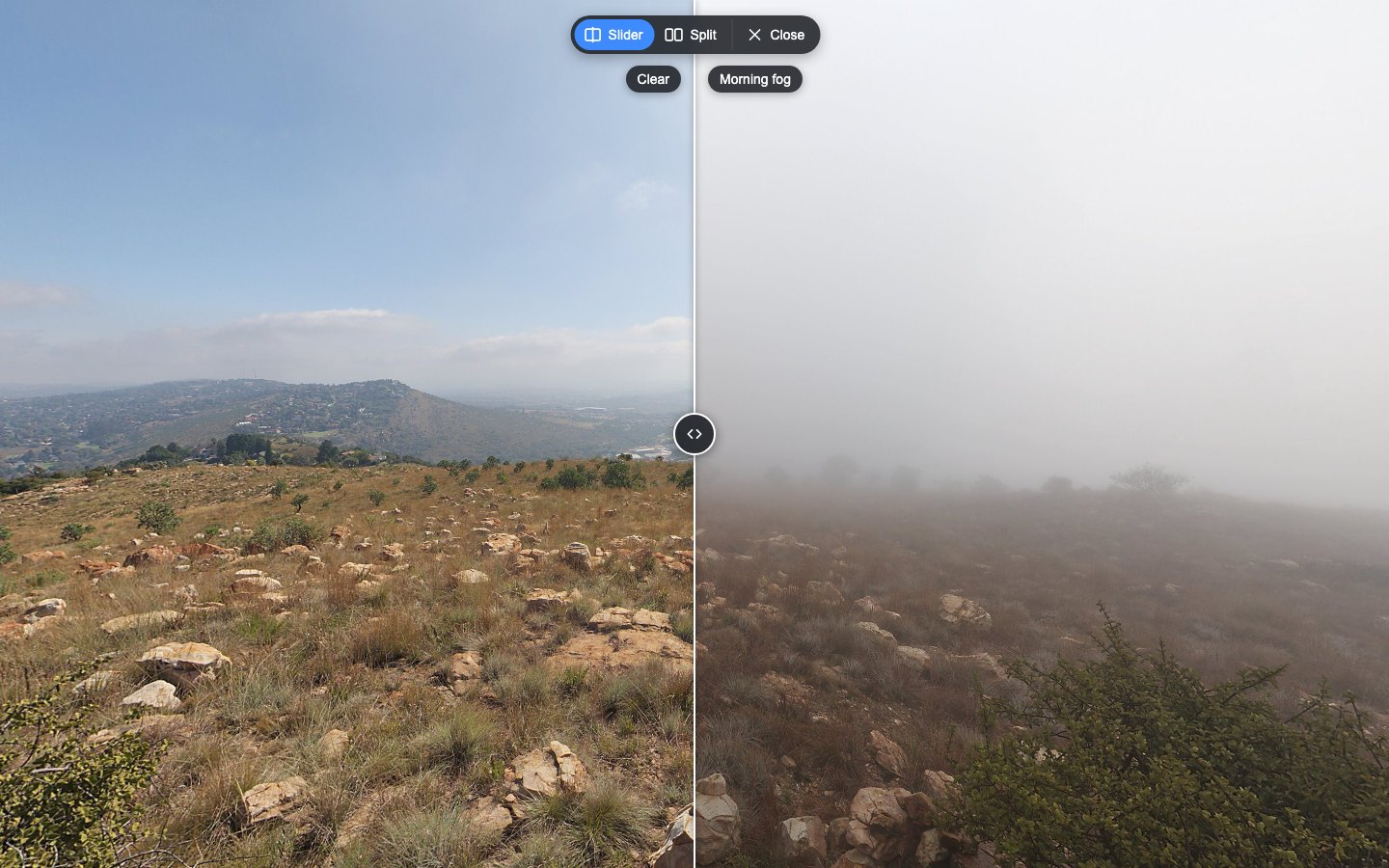
Compare two captures of the same place in your krpano tour: drag a divider or show them side by side, always in exactly the same view.
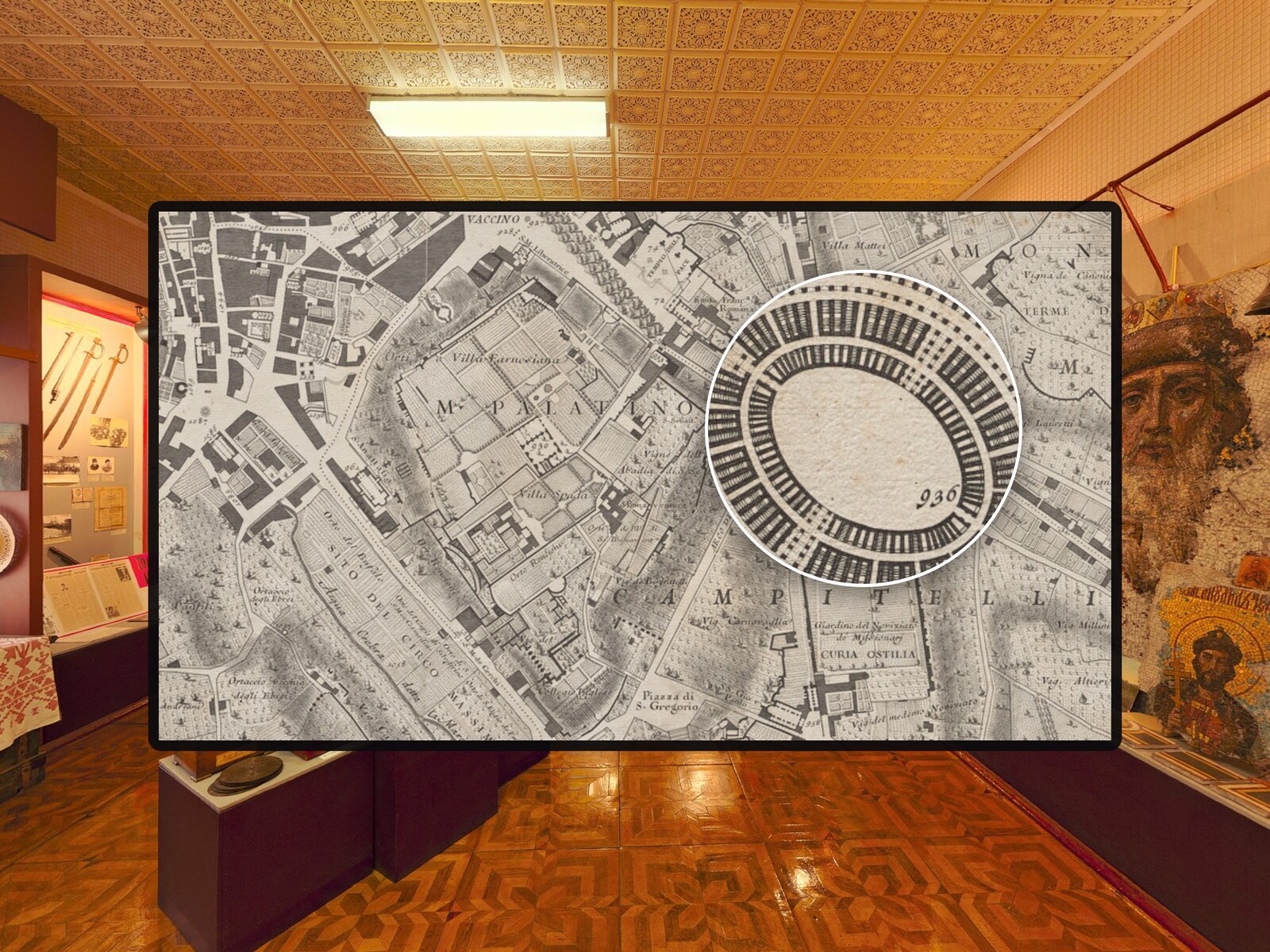
A magnifier lens for photos in krpano tours – with mouse, pen and touch.
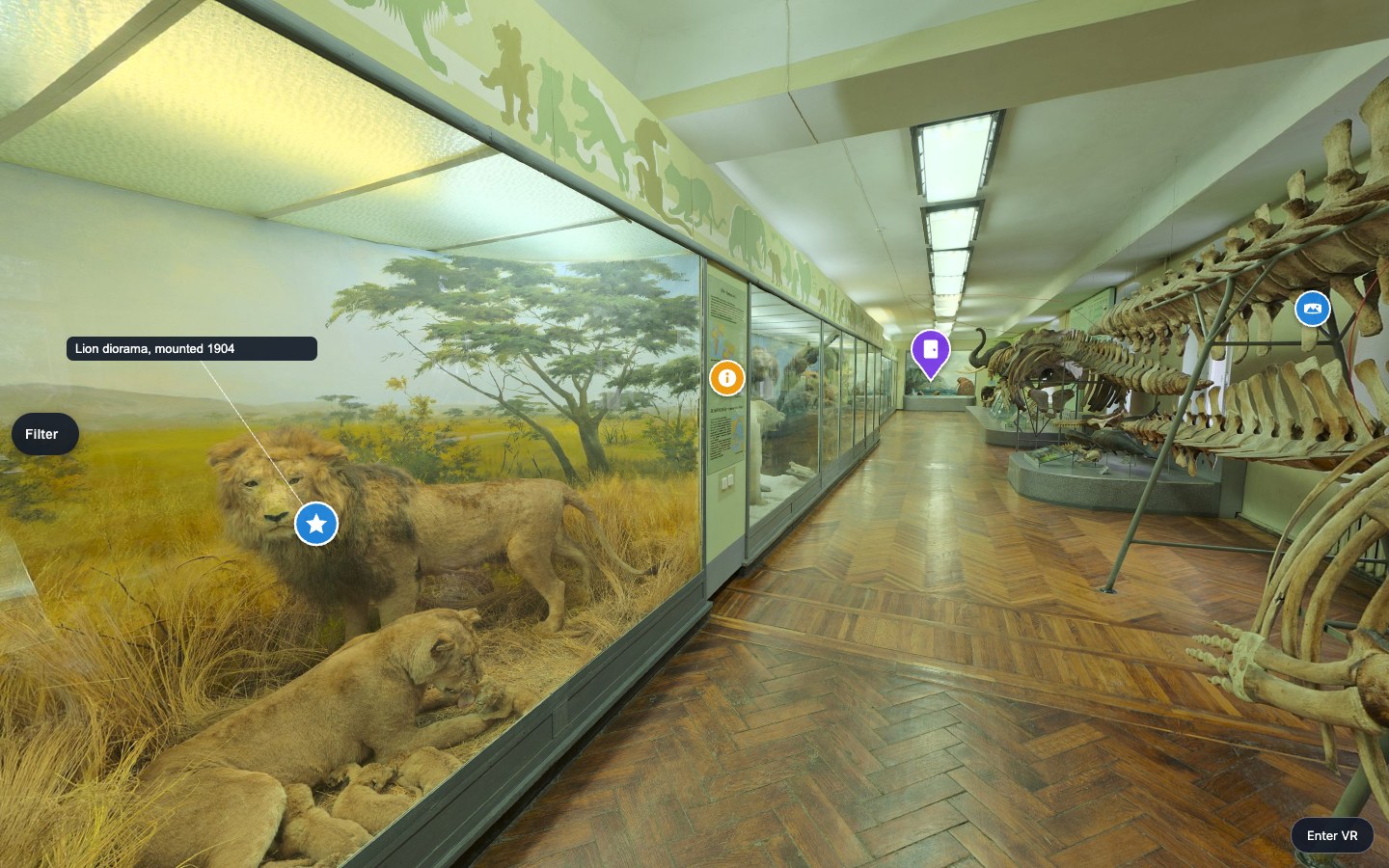
One look, one order and one visitor filter for every hotspot of your krpano tour — in 2D and in VR.