

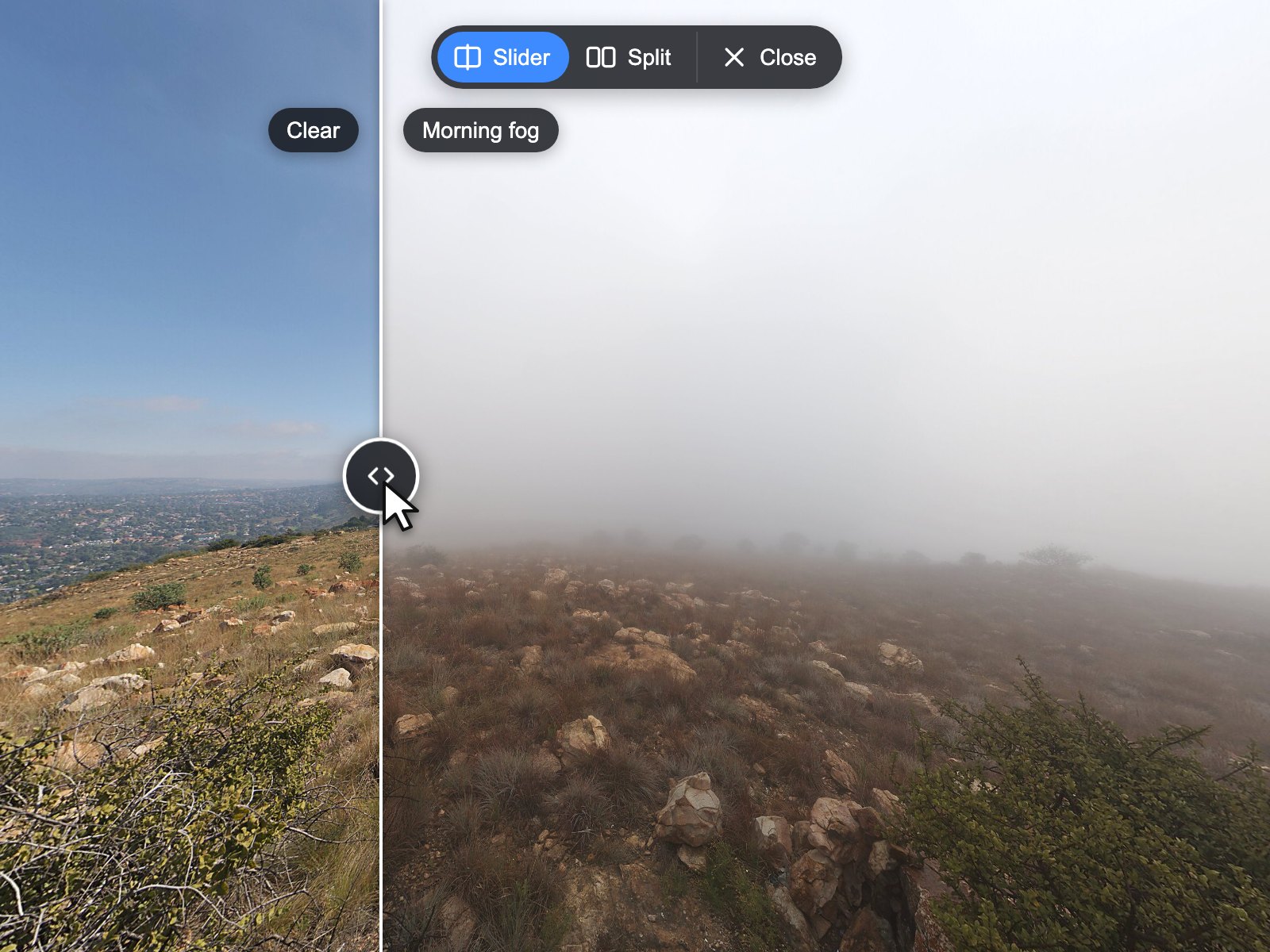
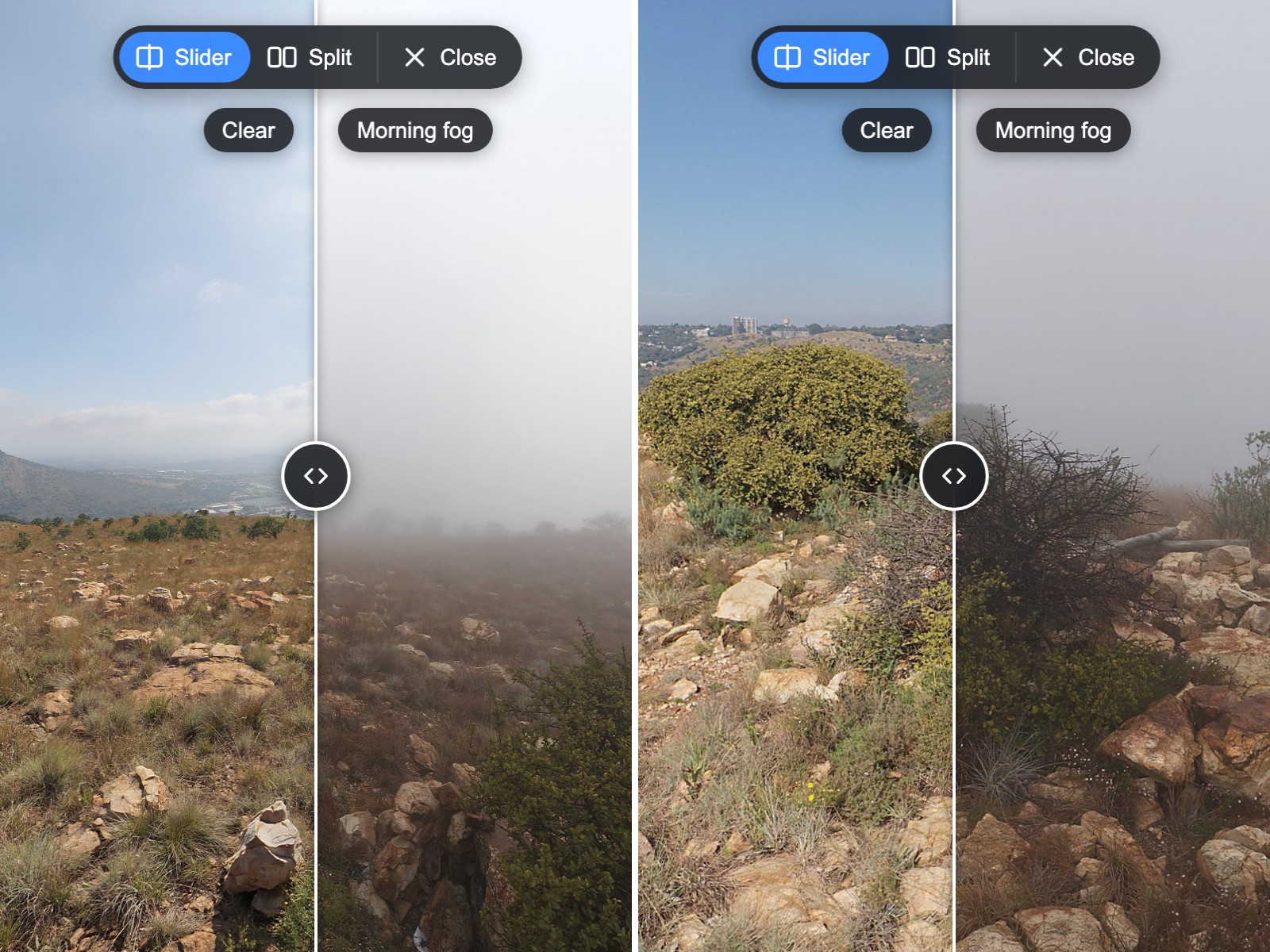
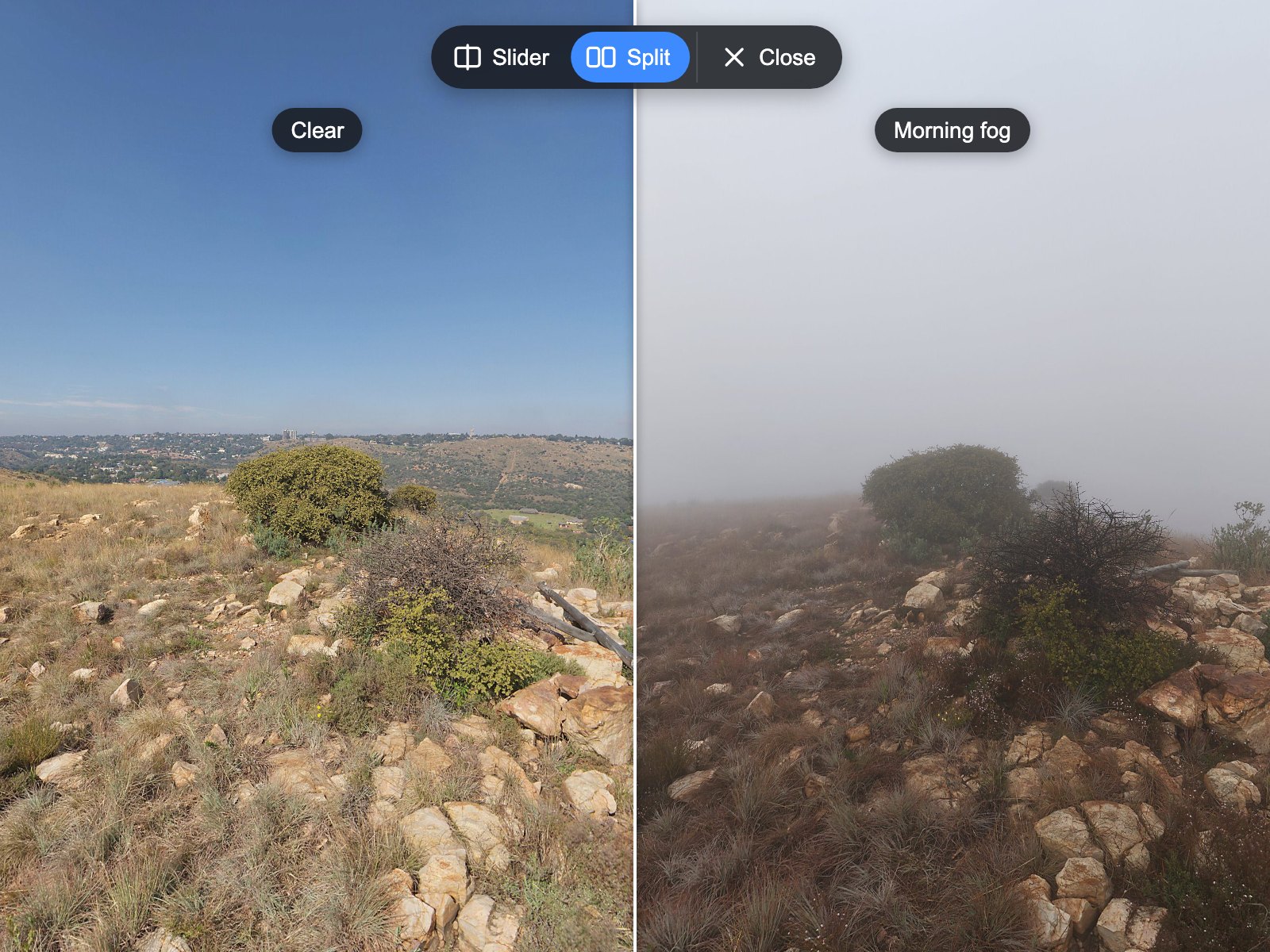
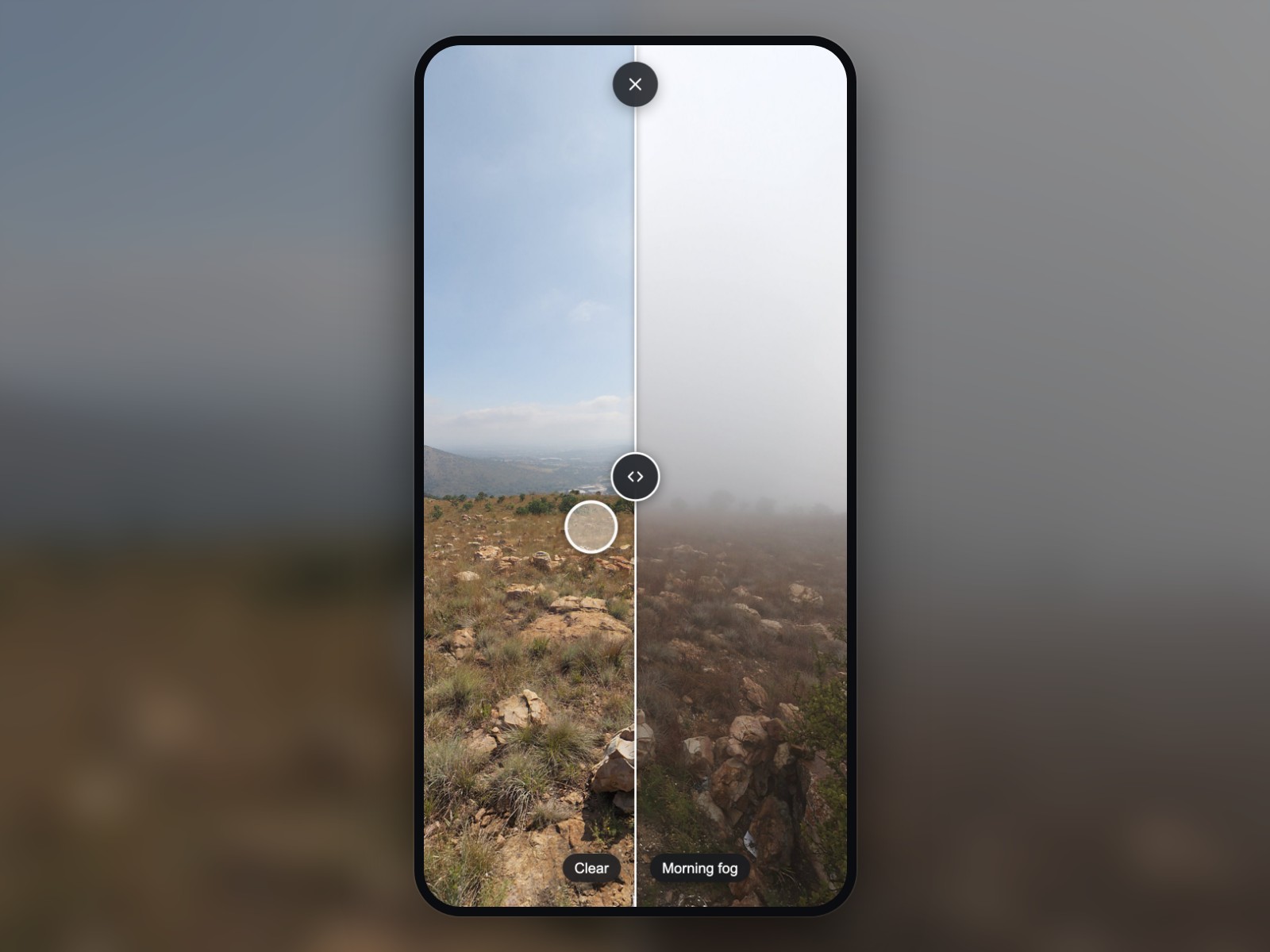
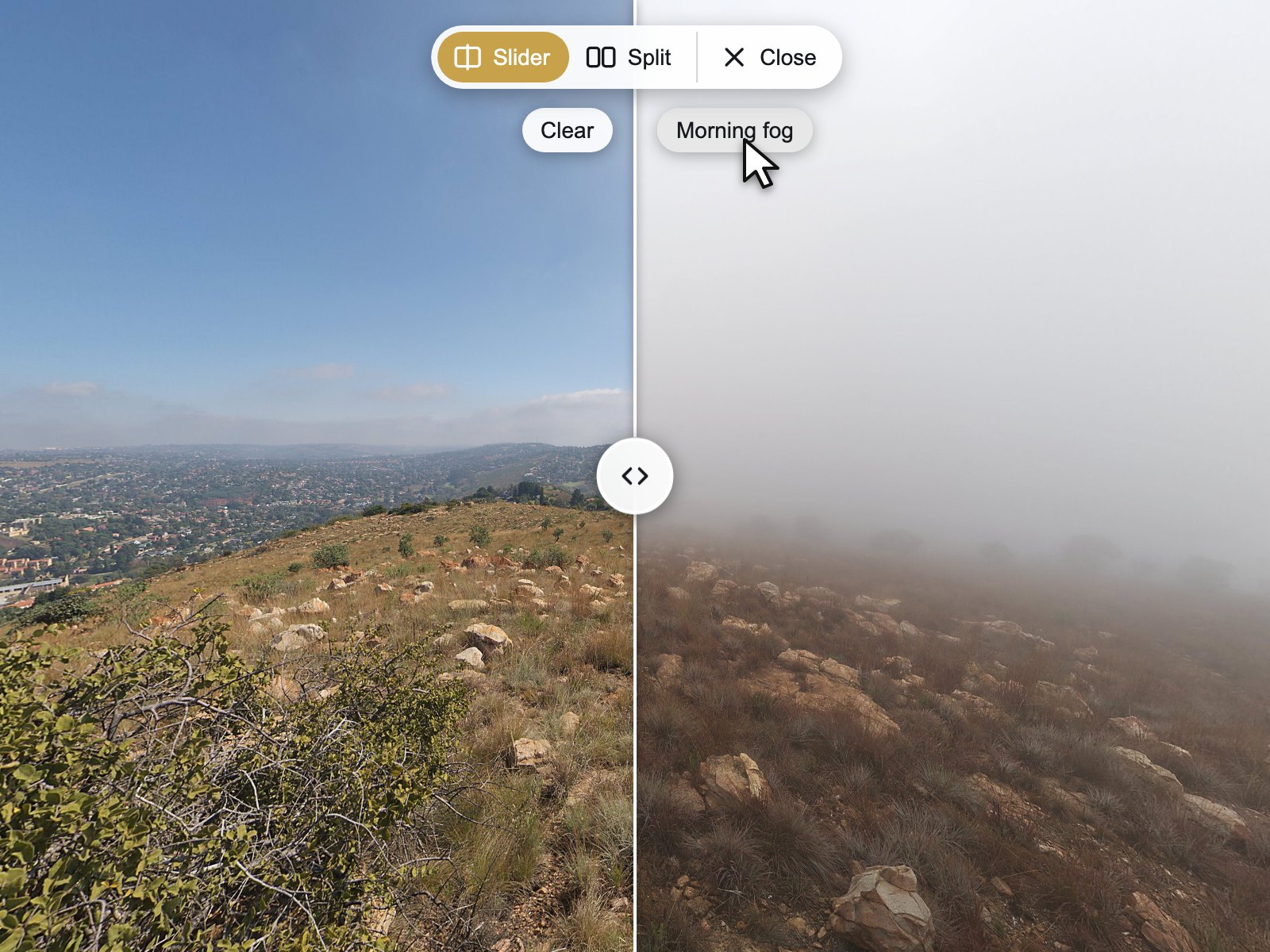
Show the change in one place
Before and after, construction stages, a renovation or an empty and a staged room: visitors compare them right where it happened.
krpano Plugins
 krpano v1.0.0 New
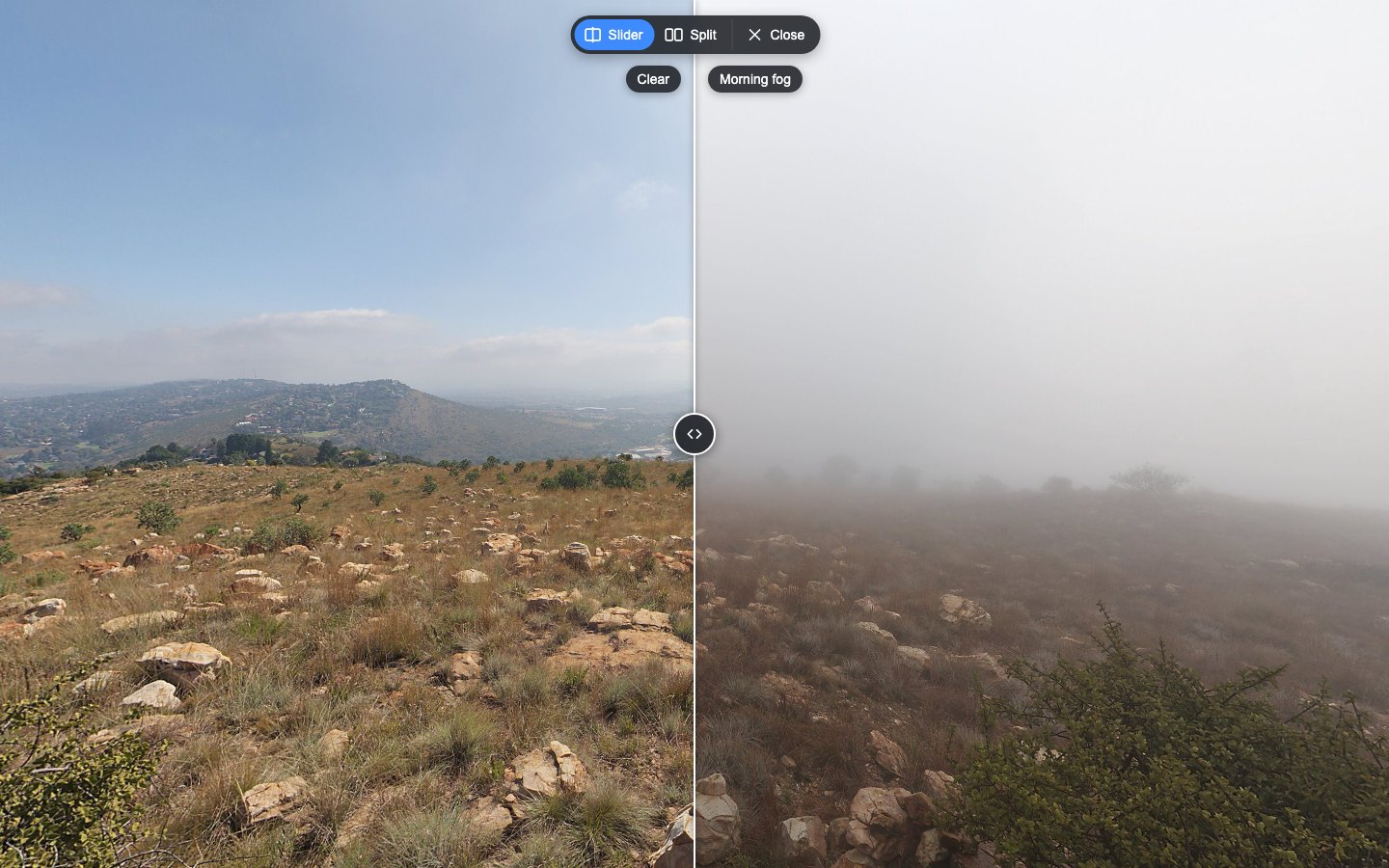
Compare two captures of the same place in your krpano tour: drag a divider or show them side by side, always in exactly the same view.
Verified for krpano 1.23.2–1.24
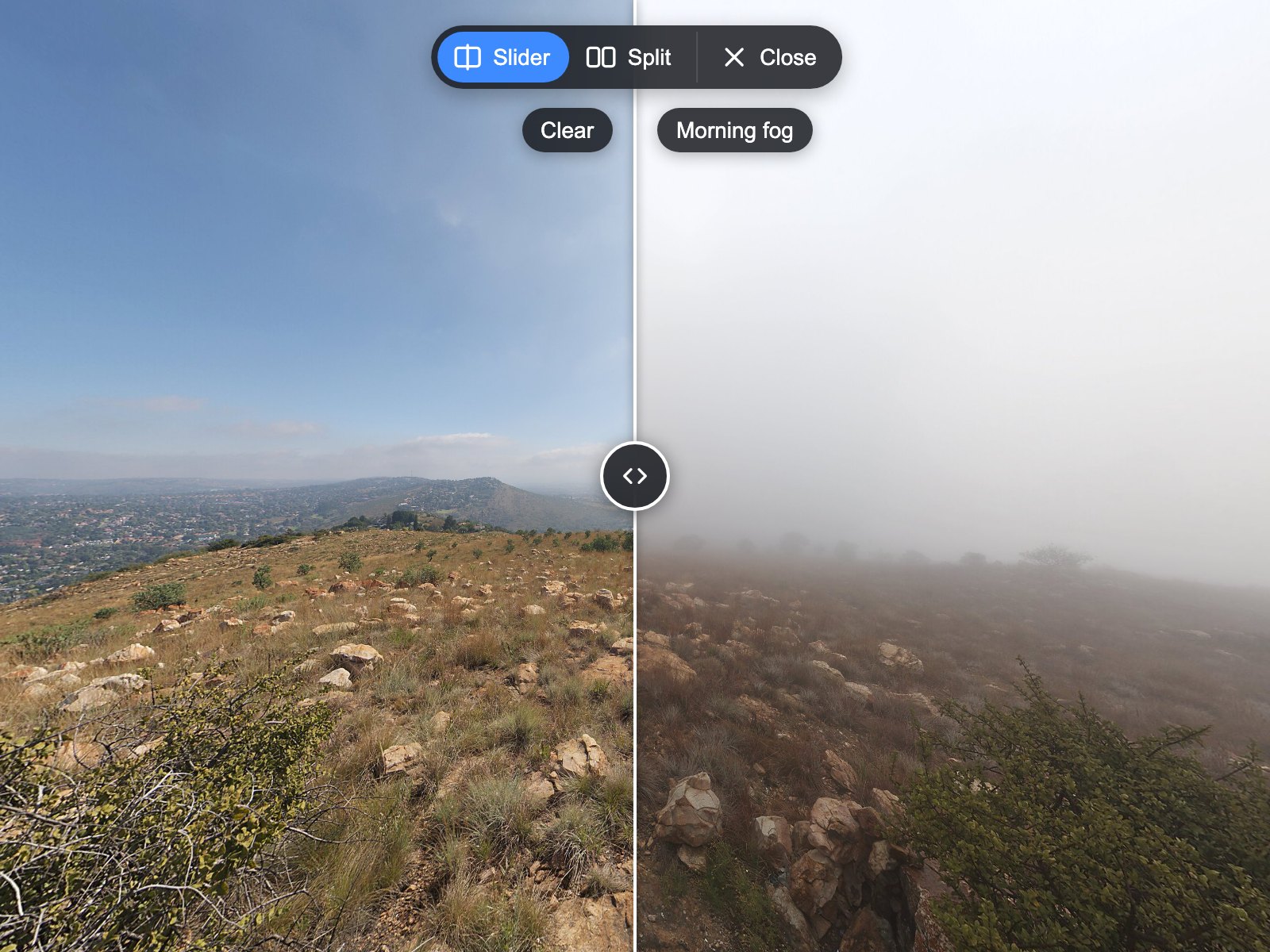
Construction progress, a renovation, virtual staging or day and night: the same place captured at different times tells a story that two separate scenes cannot. Compare Views lays a second capture over the current scene. Visitors drag a divider or, on computers, see both captures side by side, and both always turn and zoom together. You group the scenes of one place in your tour XML, align them once with the calibration mode, and every setting is an attribute of one XML element. The demo compares three weather captures of one lookout.
Put the encrypted plugin folder into your tour and add one layer element to your tour XML.
List the scenes that show the same place in one group element, for example the construction stages of a room.
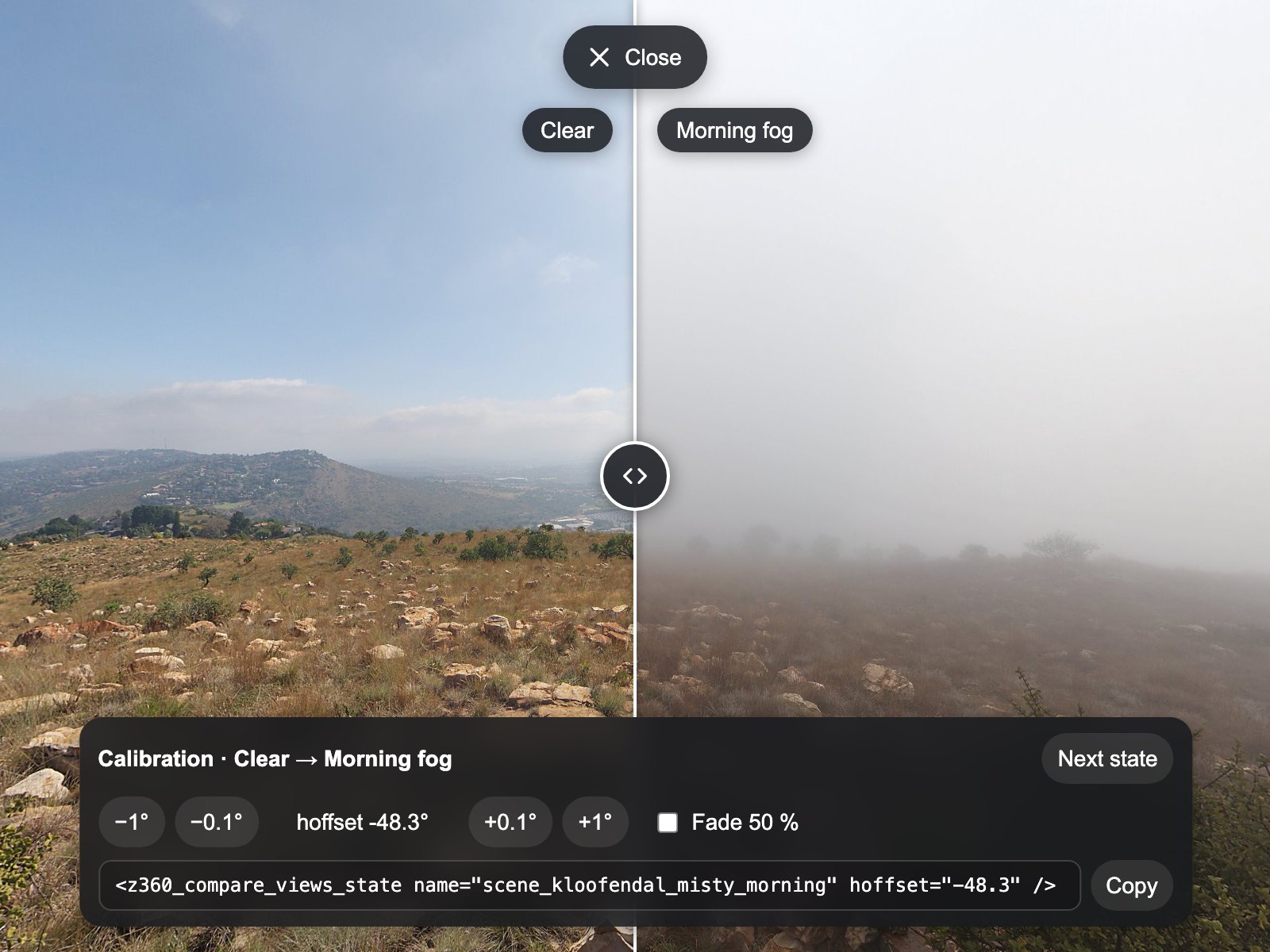
Switch on calibrate="true", turn each capture until it lines up and copy the printed line into your tour XML.
Before and after, construction stages, a renovation or an empty and a staged room: visitors compare them right where it happened.
Both captures turn and zoom together on every frame, on both sides of the divider and in the split view.
A divider for mouse, touch and keyboard, a split view on computers and a lighter slider on phones and tablets.
Set as attributes in your tour XML.
| Setting | Type | Default | Description |
|---|---|---|---|
active | Yes / No | true | Switches Compare Views on or off at runtime (default true). |
modes | List | slider|split | Layouts the visitor can choose, in button order: slider|split (default), split|slider, slider or split. The split view appears only on wide computer screens. |
start_mode | List | off | Opens the comparison when a scene of a group is entered: off (default, only the Compare button), slider or split. |
slider_position | Number | 0.5 | Start position of the divider as a share of the width from the left edge (0.05–0.95, default 0.5). |
labels | Yes / No | true | Shows the state labels on both sides (default true). |
slot | List | top-center | Place of the Compare button and the bar: top-center (default) or bottom-center. |
offset | Number | 16 | Distance of the button and the bar from the edge in pixels (0–200, default 16). |
theme | List | dark | Dark (default) or light colour scheme. |
accent_color | Color | #3D8BFF | Colour of the Compare icon, the selected layout and the focus ring (default #3D8BFF). |
transition | Yes / No | true | Opens, closes and changes the comparison with short, smooth transitions; false changes it at once. Visitors who turned on reduced motion never get the motion. |
transition_duration | Number | 280 | Length of the transitions in milliseconds (100–1000, default 280). |
mobile_quality | Number | 0.75 | Render scale of the compared image on phones and tablets (0.5–1, default 0.75); 1 is sharpest but needs more graphics power. |
calibrate | Yes / No | false | Creator mode: a bar that turns the compared capture in 0.1° steps and prints the finished state line; never leave it on in a published tour (default false). |
debug | Yes / No | false | Prints the number of groups and states to the browser console (default false). |
text_compare | Text | Compare | Label of the Compare button (default “Compare”); a <languages> key or literal text. |
text_slider | Text | Slider | Label of the Slider button (default “Slider”). |
text_split | Text | Split | Label of the Split button (default “Split”). |
text_close | Text | Close | Label of the Close button (default “Close”). |
text_divider | Text | Divider | Screen reader name of the divider (default “Divider”). |
text_states | Text | States | Tooltip of the right label, which shows the next state (default “States”). |
<layer name="z360_compare_views"
       url="plugins/z360_compare_views/z360_compare_views.js"
       keep="true"
       start_mode="slider" />

<z360_compare_views_group name="kitchen" title="Kitchen"
                          scenes="scene_kitchen_before,scene_kitchen_after" />
<z360_compare_views_state name="scene_kitchen_before" label="Before" />
<z360_compare_views_state name="scene_kitchen_after" label="After" hoffset="12.5" />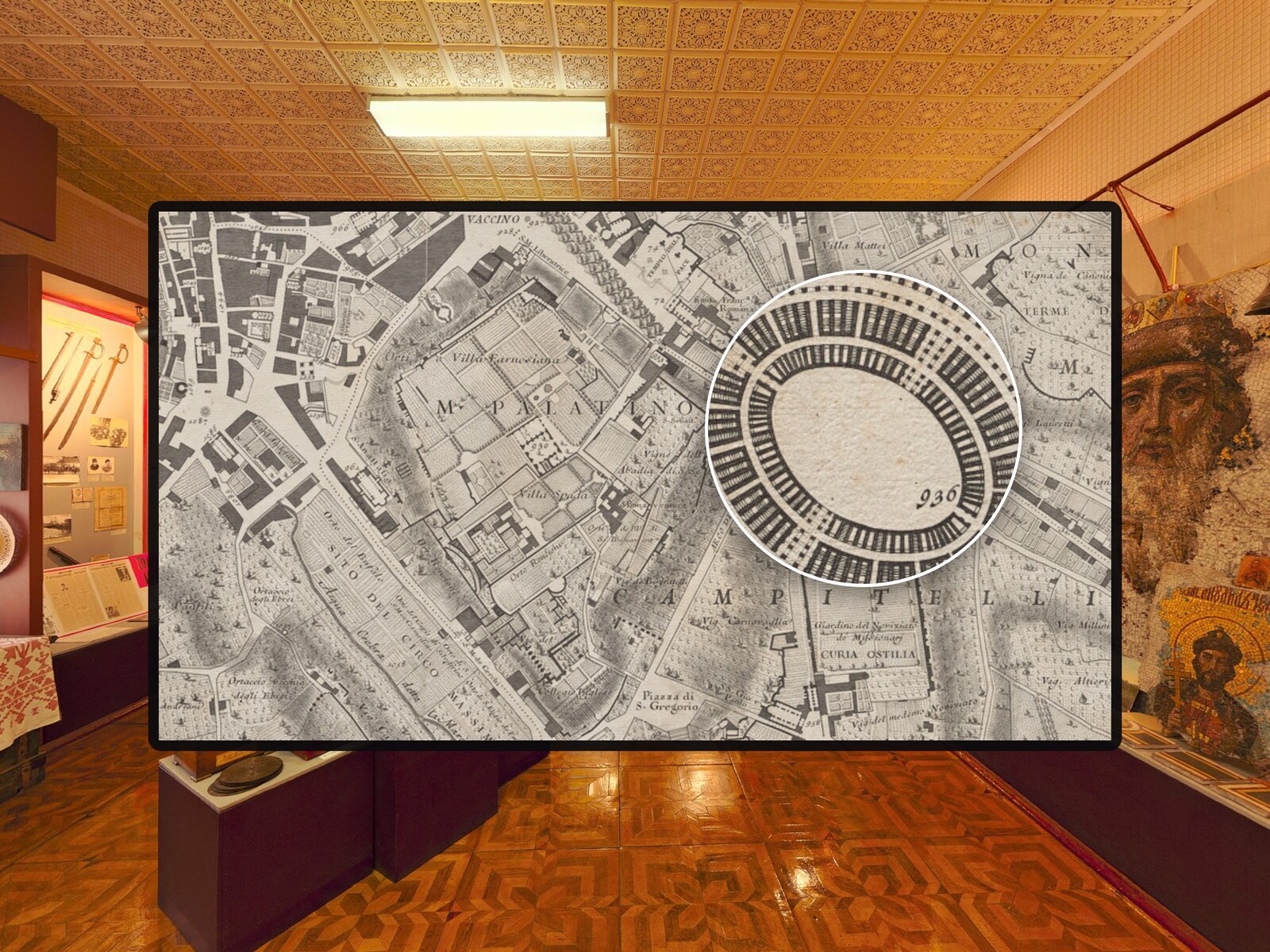
A magnifier lens for photos in krpano tours – with mouse, pen and touch.
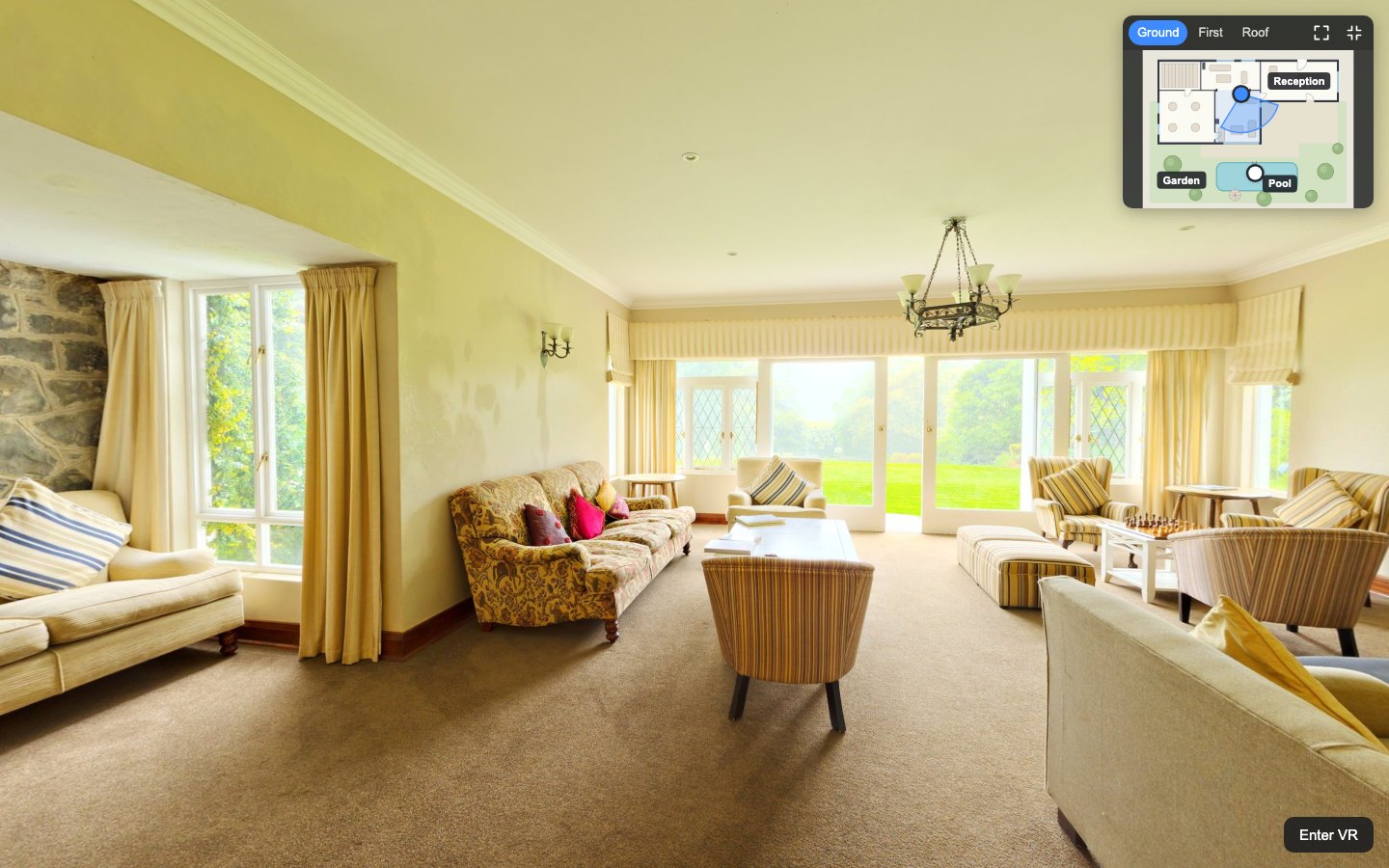
An interactive floor plan for your krpano tour: a radar shows where visitors stand and where they look, on every floor.

Information cards for your krpano tour: a side panel on desktops, a bottom sheet on phones and a welcome card, with photos, video, facts and buttons.