

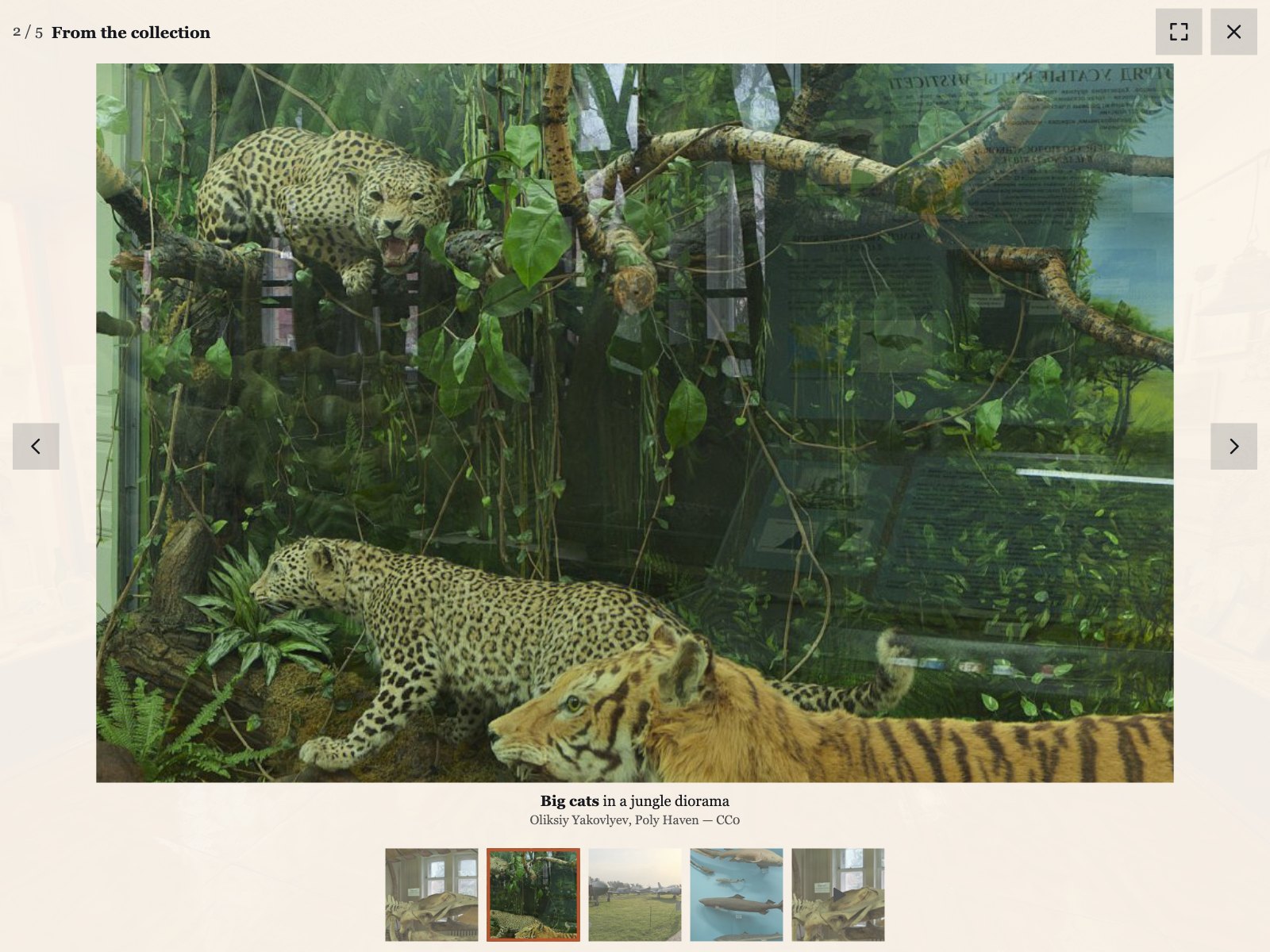
Visitors stay in the tour
The gallery opens over the panorama and closes back to the same view; tour sounds, tour videos and autorotation pause and continue afterwards.
krpano Plugins

 krpano v1.0.2 New
A lightbox for photos, MP4 videos and YouTube or Vimeo videos in your krpano tour, with zoom, swipe and a VR panel.
Verified for krpano 1.23.2–1.24
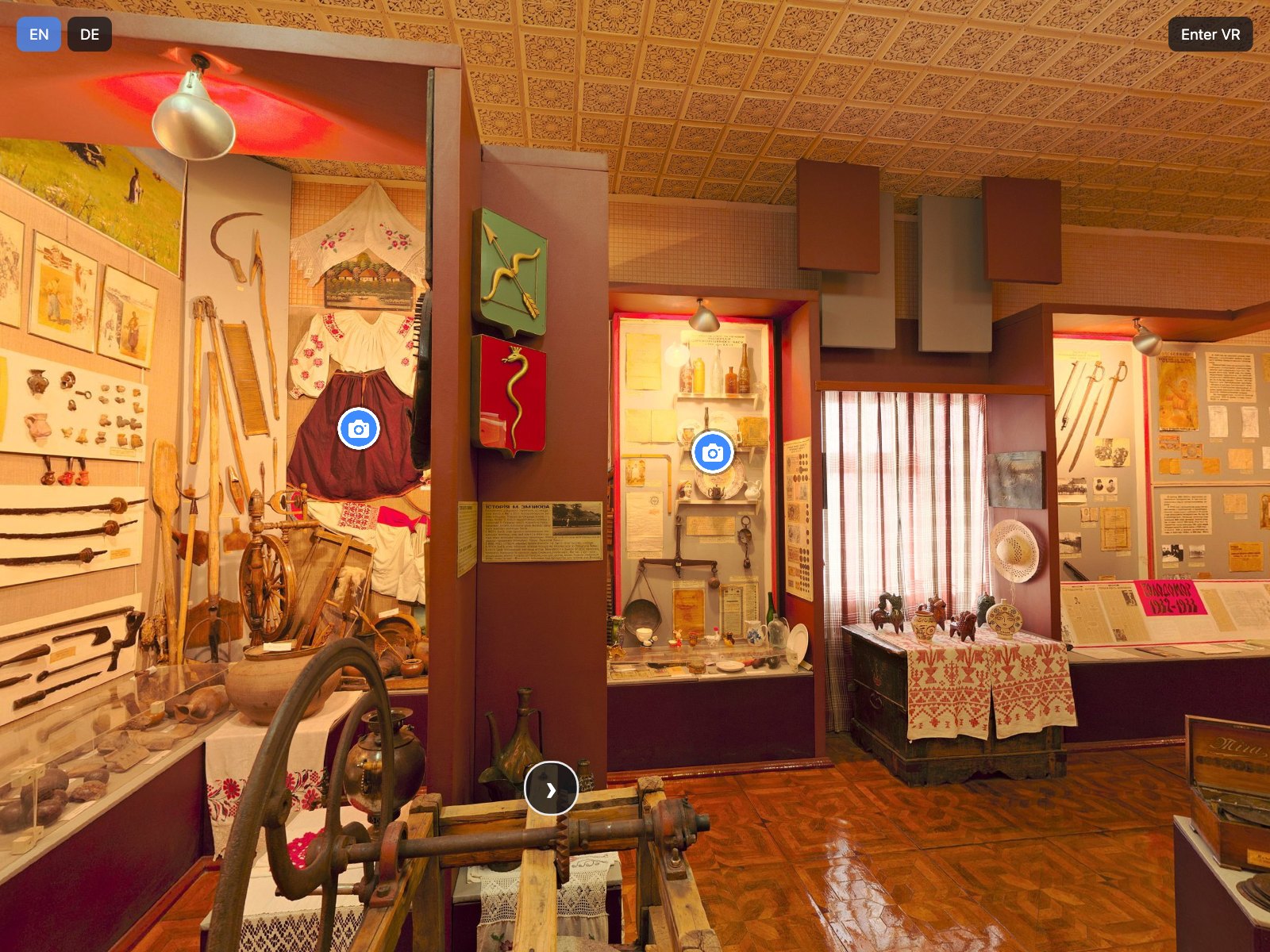
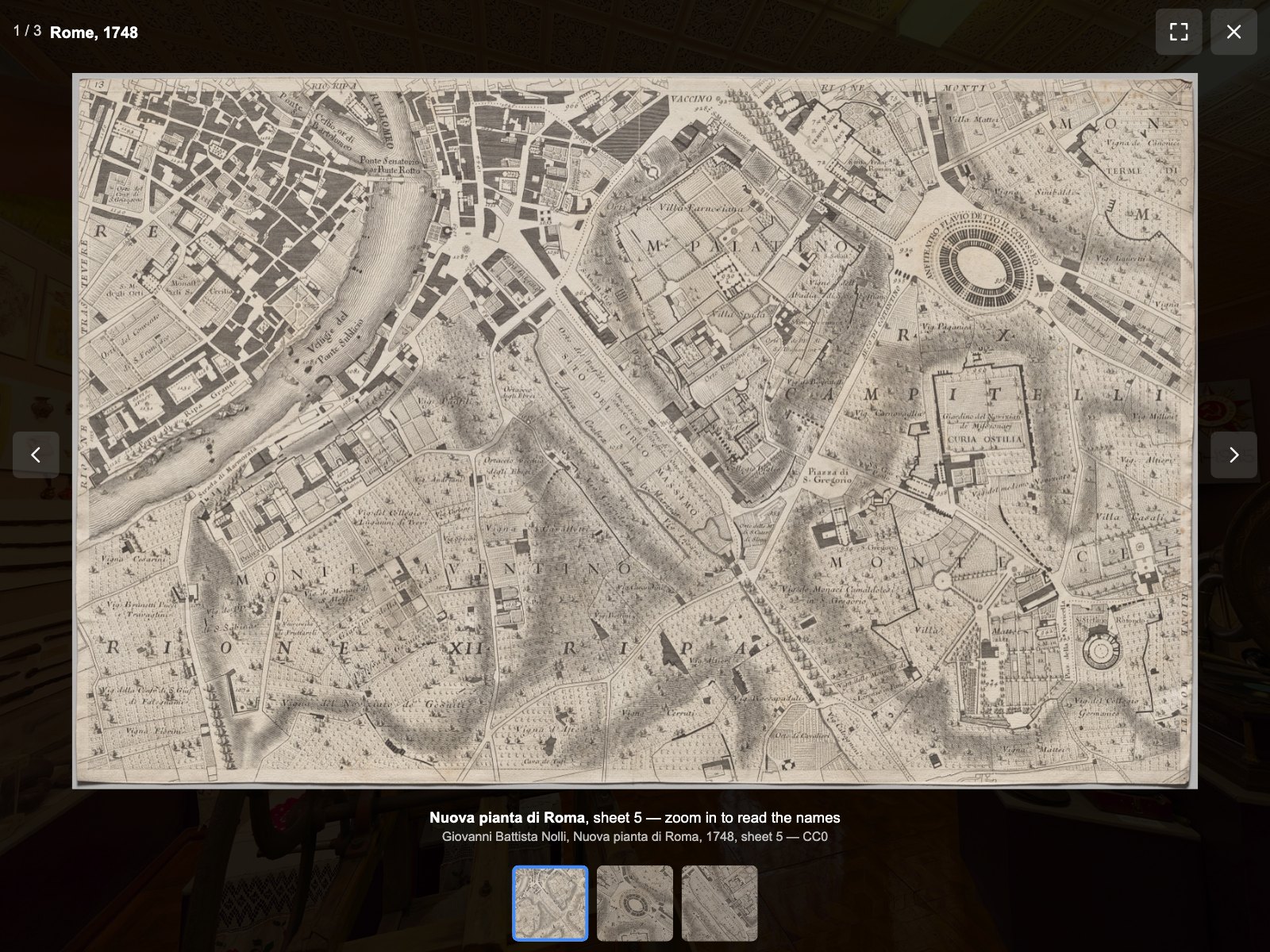
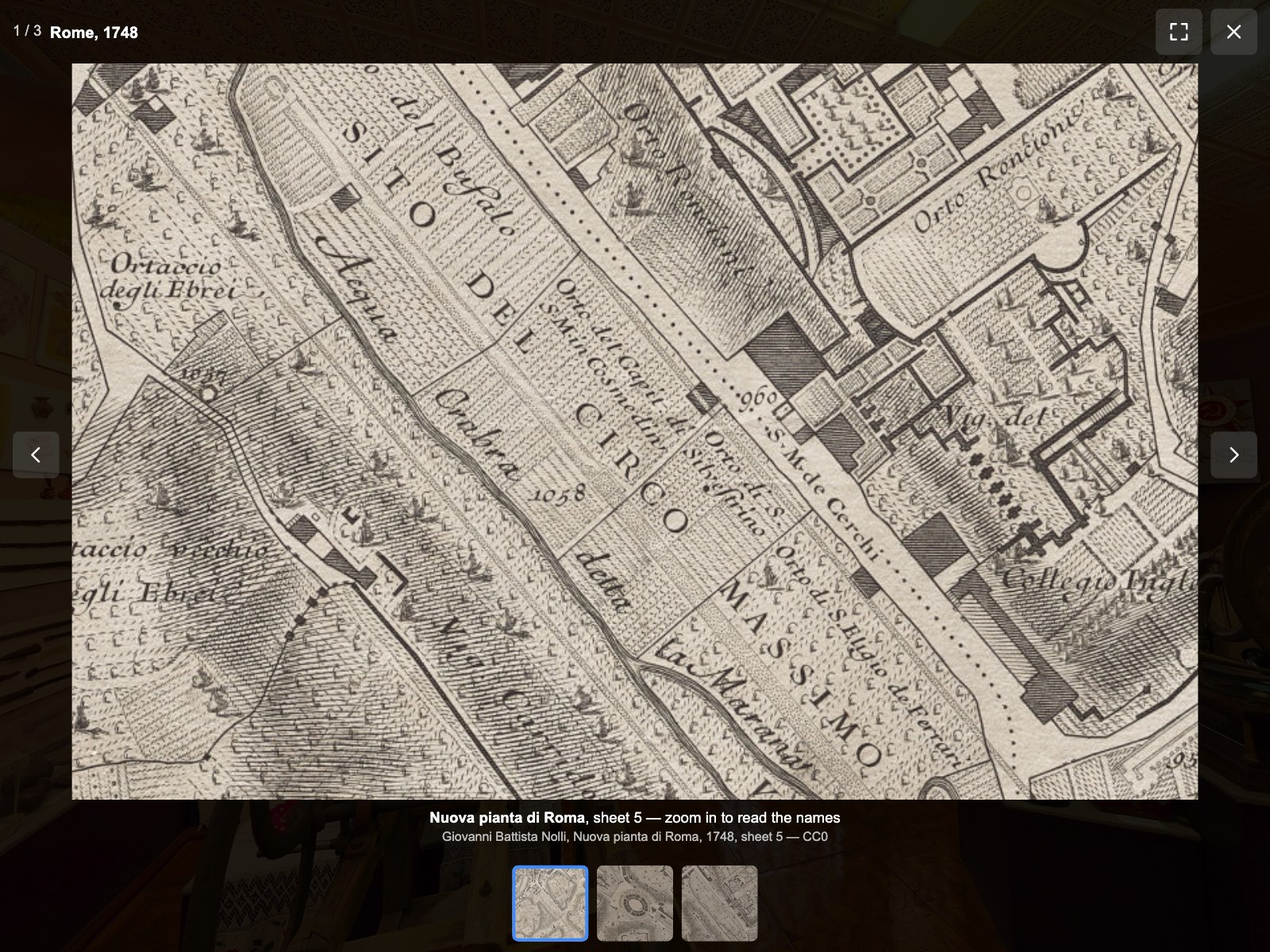
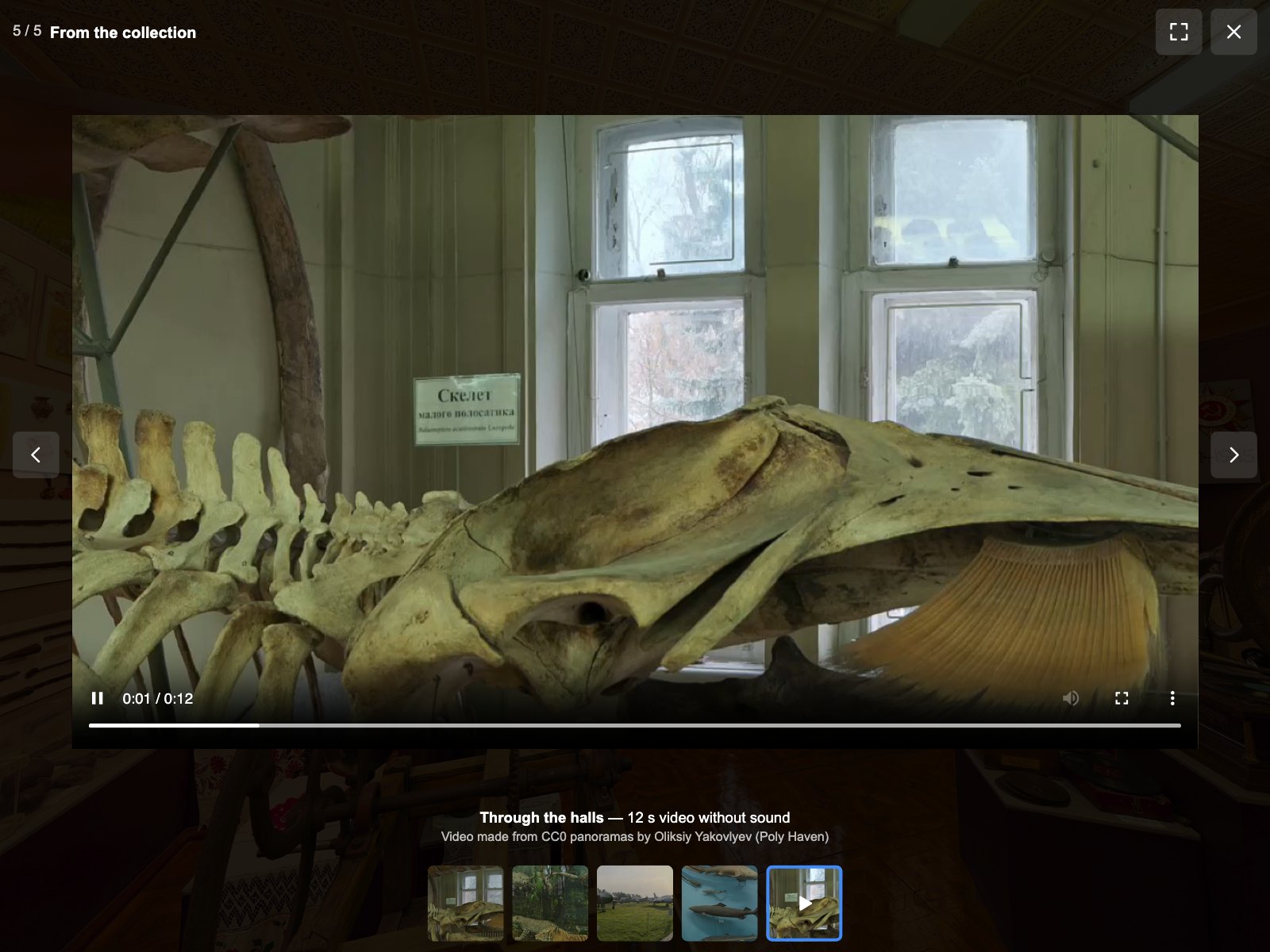
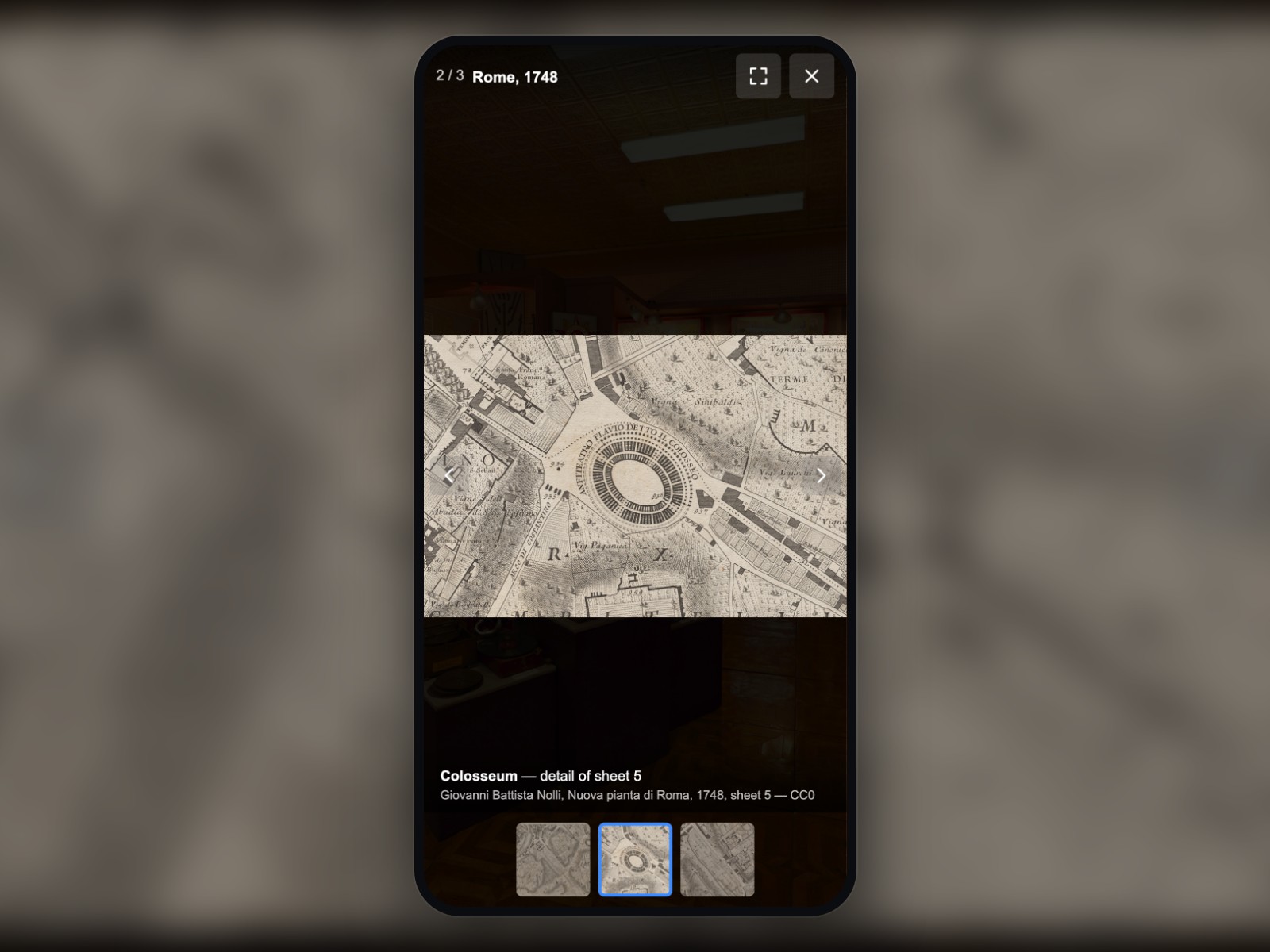
Hotspots that open a photo in a new browser tab take visitors out of the tour. Media Gallery opens photos, MP4 videos and YouTube or Vimeo videos in a lightbox over the panorama: visitors zoom into details, swipe on phones and return to the same view when they close it. Tour sounds, tour videos and autorotation pause while the gallery is open, and every setting is an attribute of one XML element.
Put the encrypted plugin folder into your tour and add one plugin element to your tour XML.
List photos, videos, captions and translations in a JSON file or in <data> elements of your tour XML.
Call plugin[z360_media_gallery].open() from a hotspot or your own skin button; choose look and behaviour with attributes and six CSS variables.
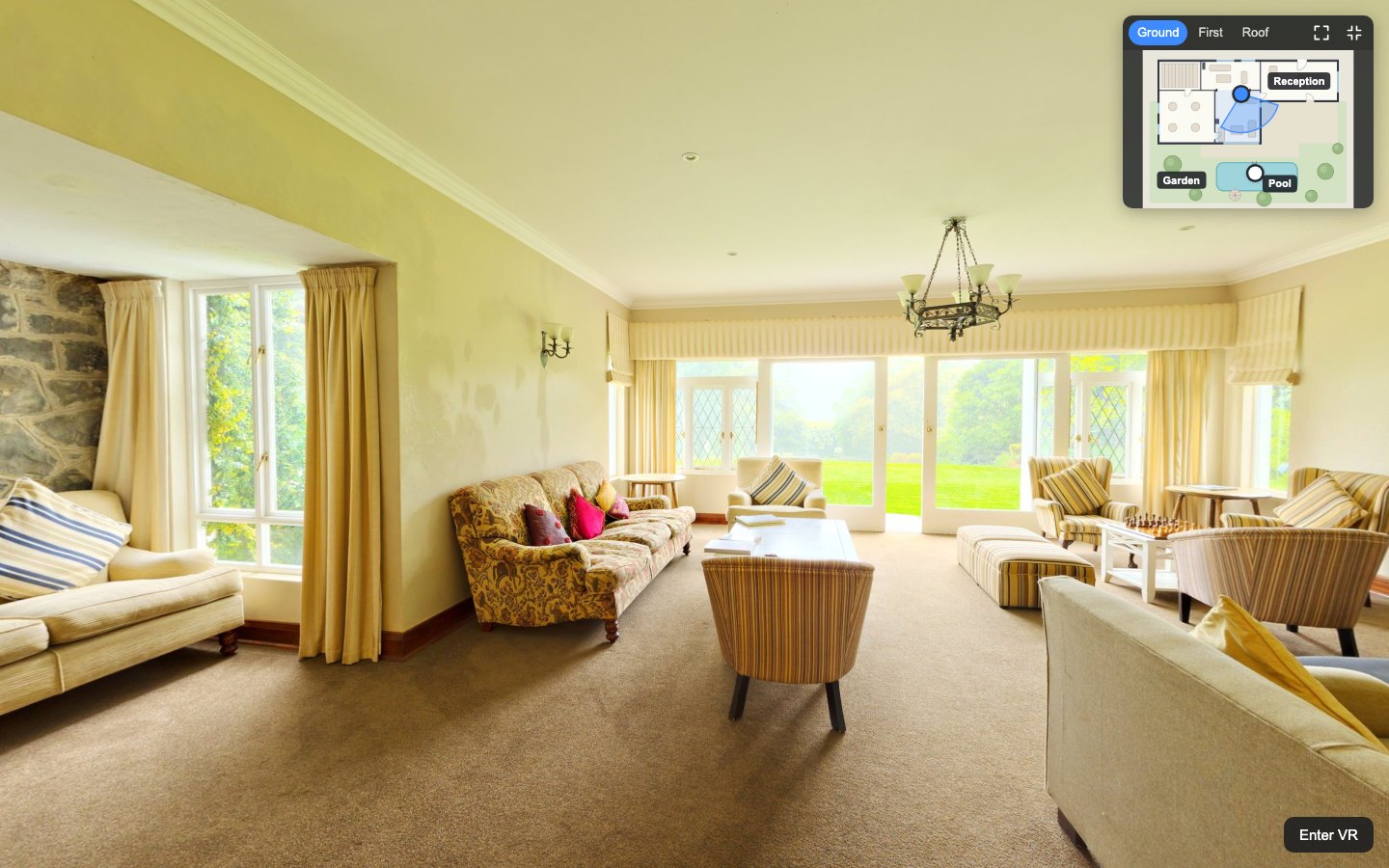
The gallery opens over the panorama and closes back to the same view; tour sounds, tour videos and autorotation pause and continue afterwards.
Zoom up to 4× with the mouse wheel, a double click, the keyboard or two fingers; a high-resolution file loads only when the visitor zooms in.
YouTube and Vimeo load only after the visitor's click, then in YouTube's privacy-enhanced mode and with Vimeo's do-not-track parameter. This is a technical gate, not legal compliance: your duties as site operator stay yours.
Set as attributes in your tour XML.
| Setting | Type | Default | Description |
|---|---|---|---|
active | Yes / No | true | Switches the gallery on or off at runtime; off closes it and refuses every open (default true). |
source | Text | — | URL of a JSON file with galleries, relative to the tour's first XML file; empty (default) uses only <data> galleries. |
deeplink | List | read | Gallery links in the page address: off, read (default: opens a linked photo at start) or readwrite (also keeps the shown item in the address). |
close_on_scene_change | Yes / No | true | Closes the gallery when the scene changes (default true). |
loop | Yes / No | false | After the last item the first one follows (default false). |
thumbnails | Yes / No | true | Shows the thumbnail strip (default true); it is hidden anyway for a single item and in viewers lower than 500 px. |
zoom | Yes / No | true | Zoom and pan of photos up to 4× (default true). |
fullscreen | List | maximize | Fullscreen button: maximize (default, media edge to edge inside the viewer), browser (browser fullscreen) or off. |
pause_tour | Yes / No | true | Pauses tour sounds, tour videos and autorotation while the gallery is open and continues what it paused (default true). |
theme | List | dark | Dark (default) or light colour scheme. |
accent_color | Color | #3D8BFF | Colour of the focus ring, the active thumbnail and the video consent button (default #3D8BFF). |
transition | Yes / No | true | Opens, closes and changes items with a short, smooth transition; false shows and removes the gallery at once. Visitors who turned on reduced motion in their system never get the motion. |
transition_duration | Number | 280 | Length of the transitions in milliseconds (100–1000). |
vr | Yes / No | true | Shows the gallery as a panel in VR (default true); false refuses opening the gallery in VR. |
vr_videoplayer | Text | %VIEWER%/plugins/videoplayer.js | Path of the official krpano videoplayer.js used for MP4 items in VR (default %VIEWER%/plugins/videoplayer.js). |
debug | Yes / No | false | Prints the number of galleries and items and missing alt texts to the browser console (default false). |
text_gallery | Text | Gallery | Name of the gallery window for screen readers when the gallery has no title (default “Gallery”); a <languages> key or literal text. |
text_close | Text | Close | Label of the close button (default “Close”). |
text_prev | Text | Previous | Label of the previous button (default “Previous”). |
text_next | Text | Next | Label of the next button (default “Next”). |
text_fullscreen | Text | Full screen | Label of the fullscreen button (default “Full screen”). |
text_counter | Text | %1 / %2 | Item counter; %1 is the position, %2 the number of items (default “%1 / %2”). |
text_more | Text | More | Button that expands a long caption on phones (default “More”). |
text_consent | Text | This video is loaded from %1, which may store data in your browser. | Notice before a YouTube or Vimeo video loads; %1 is the service name (default “This video is loaded from %1, which may store data in your browser.”). |
text_consent_button | Text | Play video | Button that loads and starts a YouTube or Vimeo video (default “Play video”). |
text_load_error | Text | This item could not be loaded. | Shown when a photo or video cannot be loaded (default “This item could not be loaded.”). |
text_vr_unavailable | Text | This video is available outside VR. | Shown in VR instead of YouTube and Vimeo videos (default “This video is available outside VR.”). |
<plugin name="z360_media_gallery"
        url="plugins/z360_media_gallery/z360_media_gallery.js"
        keep="true"
        source="media/galleries.json"
        theme="dark"
        accent_color="#3D8BFF" />

<scene name="scene_hall" ...>
  <hotspot name="hs_photos" type="text" html="Photos" ath="30" atv="0"
           onclick="plugin[z360_media_gallery].open(rome_1748);" />
</scene>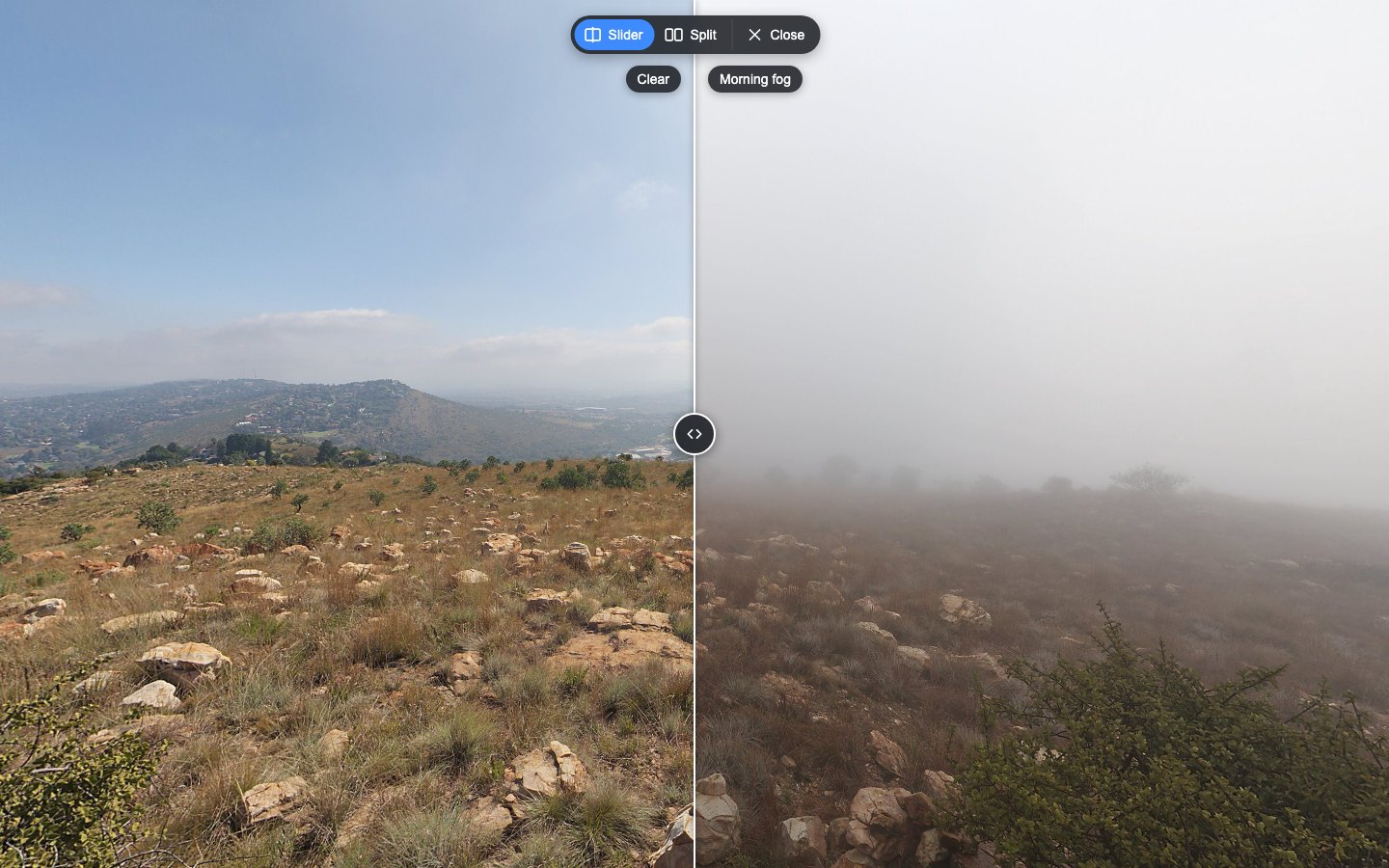
Compare two captures of the same place in your krpano tour: drag a divider or show them side by side, always in exactly the same view.
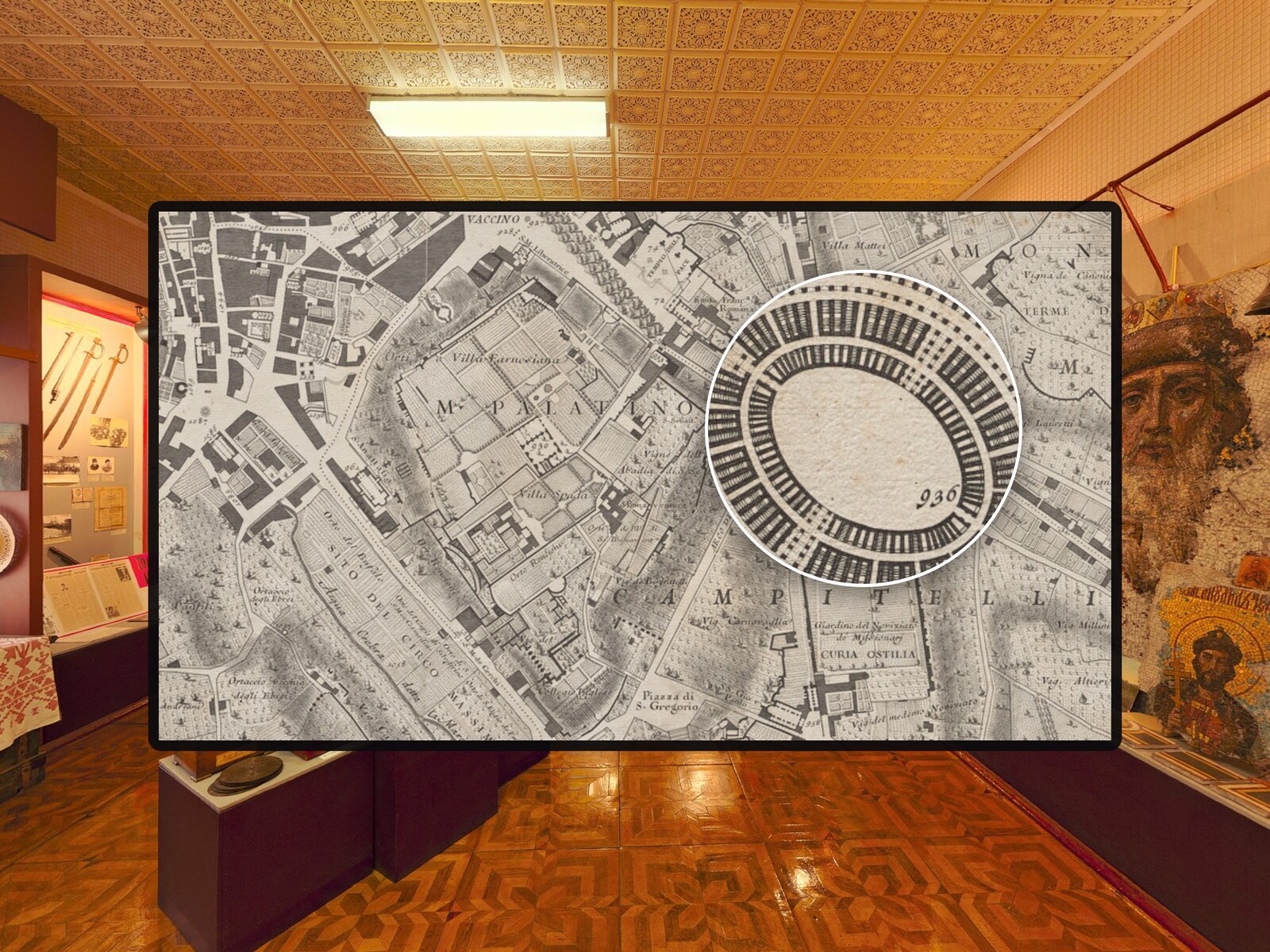
A magnifier lens for photos in krpano tours – with mouse, pen and touch.
An interactive floor plan for your krpano tour: a radar shows where visitors stand and where they look, on every floor.